
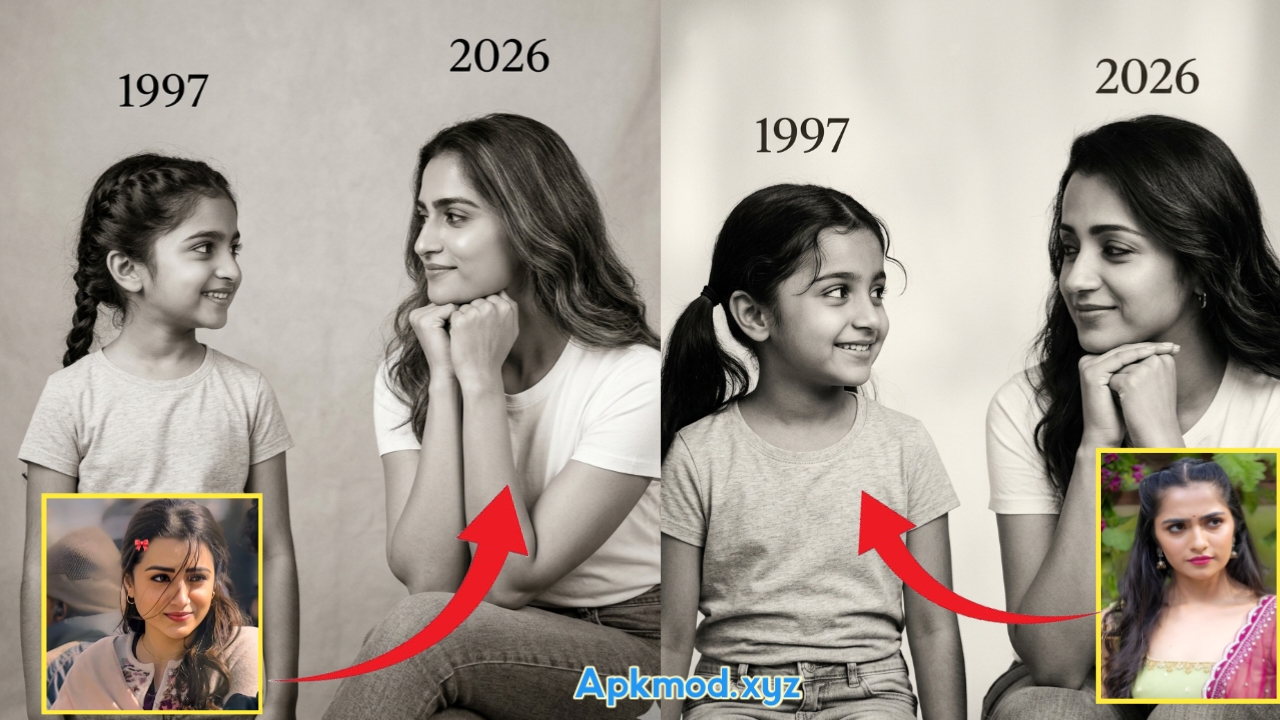
Me and My Little Version of Photo Editing Prompt
Thank you for reading this post, don't forget to subscribe!In today’s world, AI photo editing is becoming very popular. Many people love creating unique and emotional images using artificial intelligence. One trending idea is “Me and My Little Version” photo editing. This concept shows a person standing or sitting with their younger self. It looks creative, emotional, and meaningful.
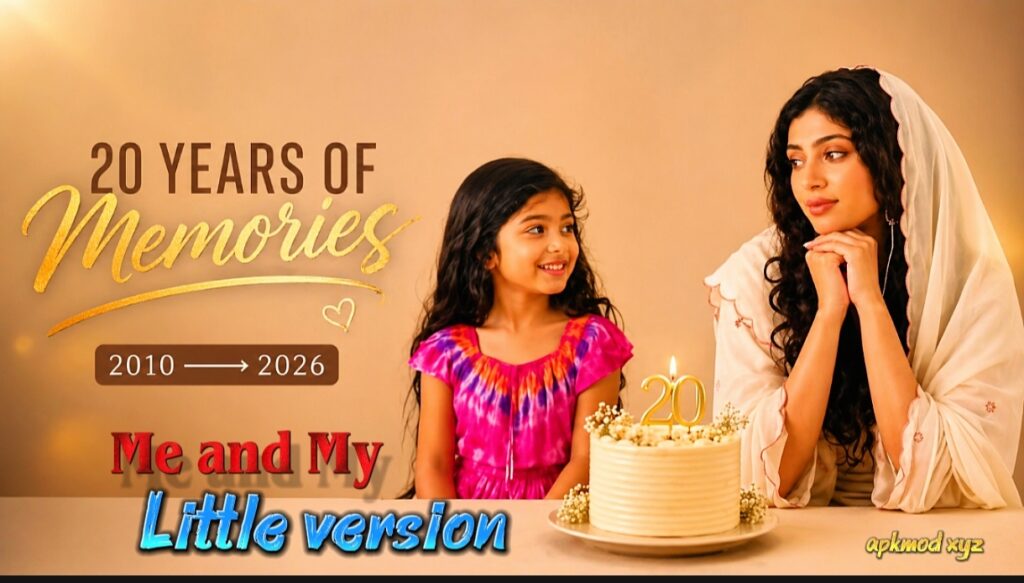
What is “Me and My Little Version” Photo?
“Me and My Little Version” is a type of edited image where you appear along with your childhood version. It looks like you are meeting your younger self. This type of image can show emotions like love, nostalgia, growth, and memories.
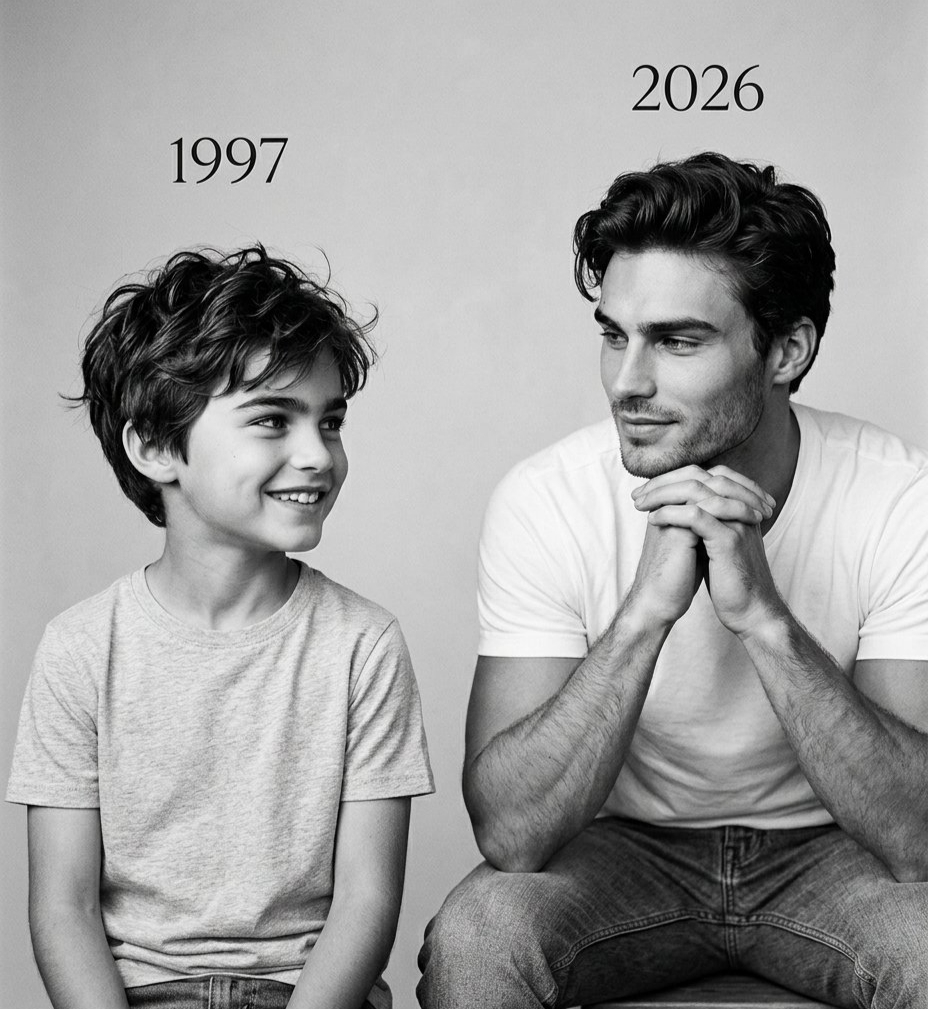
- A grown man sitting next to his childhood self
- A girl holding hands with her younger version
- A person talking or smiling with their past self
Why This Trend is Popular
There are many reasons why this trend is going viral on social media:
1. Emotional Connection
People feel emotional when they see their younger self. It reminds them of childhood memories, school days, and simple life moments.
2. Creative Expression
This type of image shows creativity. It is not just a normal photo. It tells a story.
3. Social Media Trend
Platforms like Instagram, TikTok, and YouTube are full of these images. Many creators are using this idea to get more likes and followers.
4. Easy to Create
With AI tools, anyone can create these images without editing skills.
How AI Helps in Photo Editing
Artificial Intelligence (AI) can generate images based on text prompts. You just need to describe what you want, and the AI will create it.
For example:
- You write: “A man sitting with his 8-year-old self in a park”
- AI will generate that image
Some popular AI tools include:
- Midjourney
- DALL·E
- Leonardo AI
- Bing Image Creator
These tools understand your words and turn them into images.
Basic Structure of a Good AI Prompt
To create a perfect image, your prompt must be clear and detailed. A good prompt includes:
- Subject (you and your younger self)
- Age difference
- Location
- Emotion
- Lighting
- Style (realistic, cinematic, etc.)
Tips to Improve Your AI Image
Creating a good image is not just about writing a prompt. Here are some tips:
1. Use Clear Details
Always mention age, emotion, and location.
2. Add Lighting Effects
Words like “sunset,” “soft light,” or “cinematic lighting” improve quality.
3. Choose Style
Use words like:
- Realistic
- Ultra HD
- Cinematic
- 4K
4. Try Different Variations
Don’t stop with one prompt. Change small details and test again.
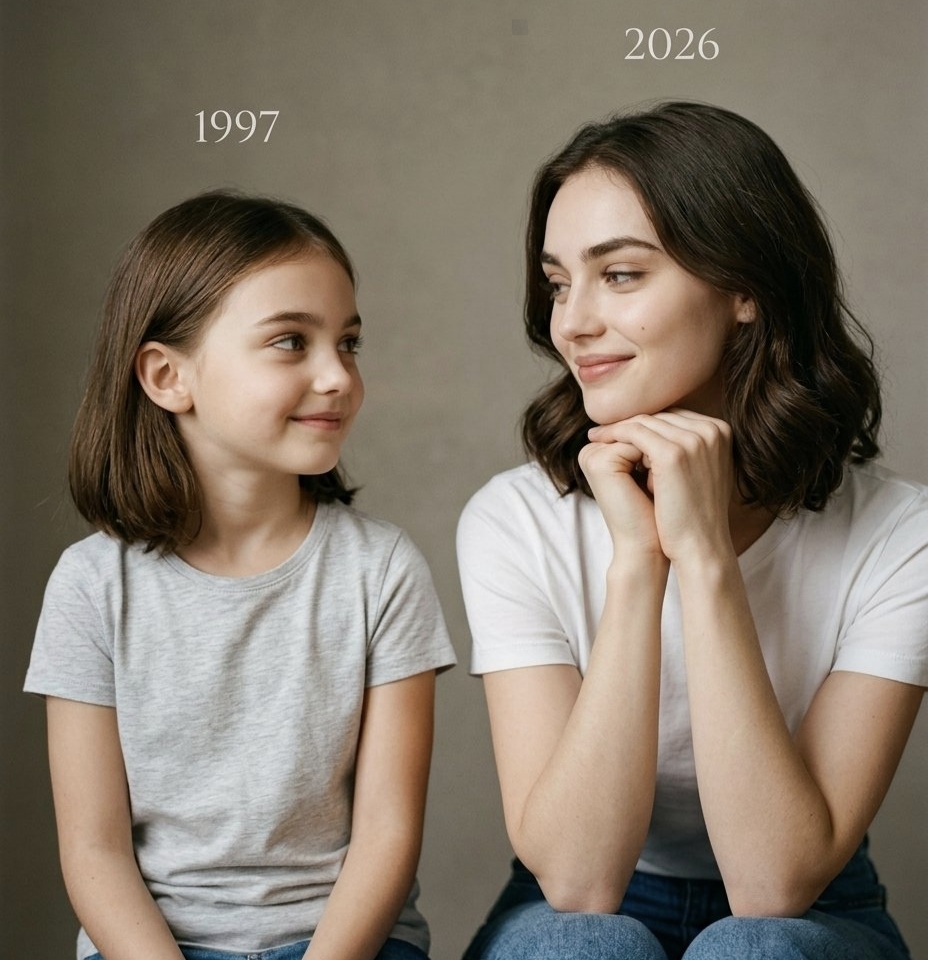
Emotional Meaning Behind This Concept
This trend is not just about editing. It has deep meaning.
1. Self Reflection
It shows how far you have come in life.
2. Inner Child
Everyone has a child inside them. This image brings that feeling out.
3. Healing
Some people use this concept to heal emotional pain from childhood.
4. Motivation
It reminds you of your dreams and goals.
How to Use These Images
After creating your image, you can use it in many ways:
1. Social Media Posts
Post on Instagram or Facebook with captions like:
- “I met my younger self today”
- “Proud of how far I’ve come”
2. YouTube Thumbnails
These images are eye-catching and emotional.
3. Personal Memories
Save it as a memory or wallpaper.
4. Blog Content
Use it in articles about life, growth, or motivation.
Caption Ideas for Your Image
Here are some simple captions you can use:
- “Talking to the boy I used to be”
- “He believed in me before anyone else”
- “Still chasing his dreams”
- “From dreams to reality”
- “I hope I made you proud”
Common Mistakes to Avoid
Even though AI is easy, some mistakes can reduce quality:
1.Too Short Prompts
If your prompt is very short, the result will be basic.
2.No Emotion
Emotion makes the image powerful.
3. No Lighting Details
Lighting is very important for realistic images.
4. Over Complicated Prompts
Keep it simple but clear.
Future of AI Photo Editing
AI photo editing is growing fast. In the future, we may see:
- More realistic images
- Video generation with younger self
- Voice interaction with AI characters
- Full life story visuals
This trend is just the beginning.
Prompt:
On the left: a child version of me (from a childhood photo) looking with an innocent smile to the right, with 1990 written above it.342 On the right: A present version of me (froma recent photo) sits with her hands under her chin and looks at the child with a calm smile, with “2026” written above her.In the middle: a table with a simple, elegant birthday cake with number 36 on top.Studio background: plain and soft (studio background)The lighting: Soft, cinematic, warm (even a black-and-white photo).Style: Professional, minimal, emotional photography, focusing on feelings and visual communication between the two versions.Make the picture look so real like a real photoshoot.Keep my original features without changing.photo size 4:5
Conclusion
“Me and My Little Version” is more than just a photo editing trend. It is a beautiful way to connect with your past. It shows emotions, memories, and personal growth.
With simple AI tools and the right prompts, anyone can create these amazing images. You don’t need professional skills. Just imagination and creativity are enough.
Try different prompts, experiment with ideas, and create your own story. When you see your younger self in front of you, it feels special. It reminds you of where you started and how far you have come.

