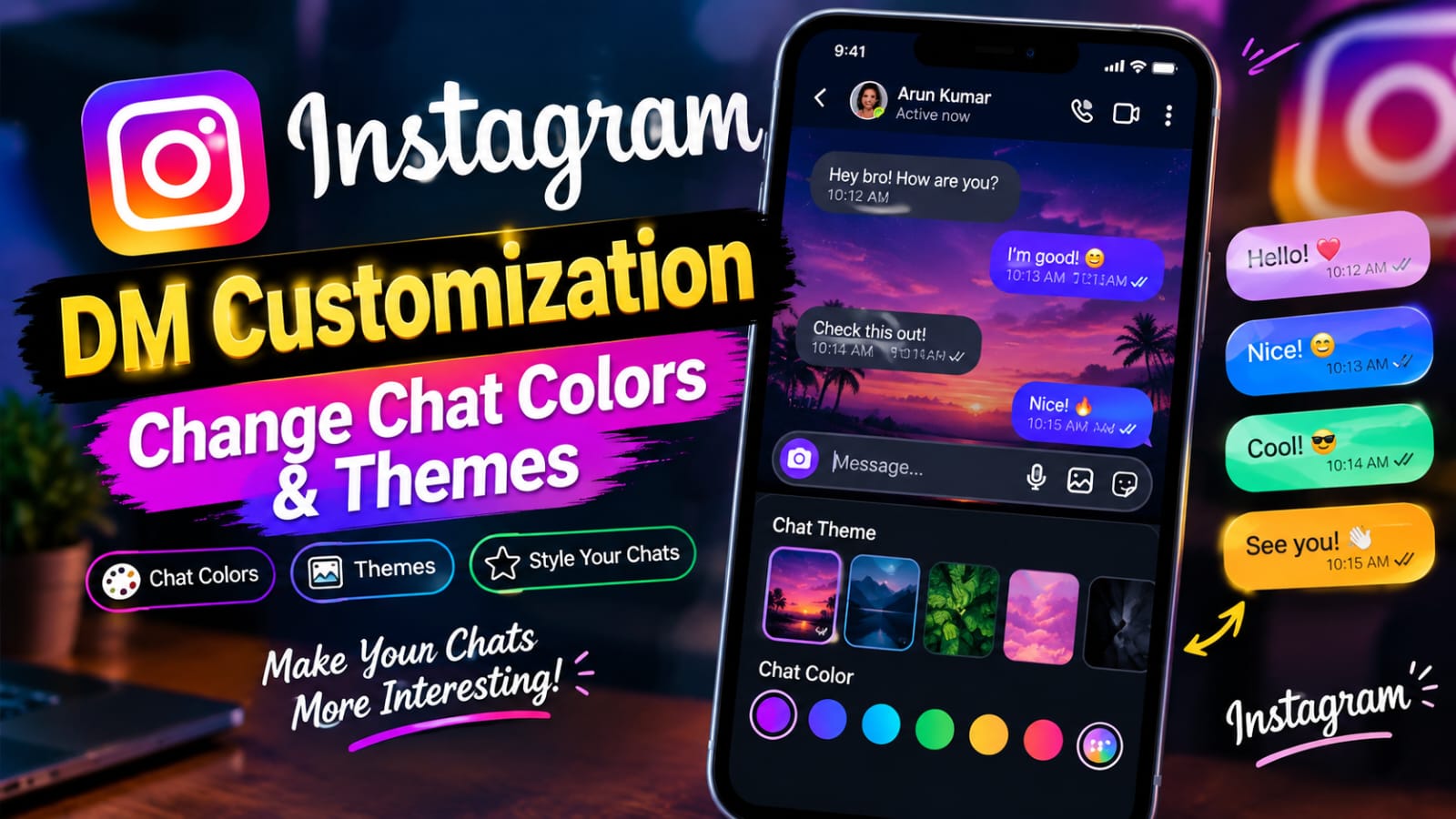
Instagram is more than a photo and video sharing platform. It is also a popular place for private conversations. Millions of people use Instagram Direct Messages, also called Instagram DMs, every day. To make these conversations more personal, Instagram provides chat themes and color customization options. Users can change the look of individual conversations with different themes, colors, and visual styles.
Thank you for reading this post, don't forget to subscribe!What Is Instagram DM Customization?
Instagram DM customization refers to changing the appearance of your Instagram conversations. The feature allows users to select different chat themes or color combinations. Depending on the Instagram version and available features, users may see different themes and options.
Instagram has added several visual options over time. New themes may also be introduced through app updates. Because of this, the available choices can differ between accounts and devices.
Why Change Your Instagram Chat Theme?
There are several reasons to customize an Instagram DM. The first reason is personalization. Users can make their conversations match their own style. A colorful theme can make a casual conversation more enjoyable.
Chat themes can also make conversations easier to recognize. For example, you can use one theme for a close friend and another theme for a group chat. This creates a simple visual difference between conversations.
How to Change Instagram Chat Colors and Themes
Changing an Instagram chat theme is generally simple. However, the exact interface may change when Instagram releases updates. Follow these general steps.
First, open the Instagram app on your smartphone. Make sure that you are using the latest version available for your device.
Next, tap the Messages or Direct Messages icon. Your conversations will be displayed.
Open the chat that you want to customize. Then tap the name of the person or group at the top of the conversation.
Can You Change the Color of Instagram DMs?
Yes, Instagram provides chat customization options that can change the visual colors of conversations. However, the exact choices depend on the features available to your account.
Some themes provide different background designs. Others change message bubble colors or the overall color combination. A theme may also include special visual elements.
You may not be able to select any color you want. Instagram normally provides a set of predefined themes. The available collection can change over time.
This means that a particular color may be available on one account but not another. Features can also be introduced gradually.
Instagram Chat Themes for Different Conversations
One useful part of Instagram DM customization is that conversations can have different themes. You do not have to use one theme for every chat.
For example, a family conversation can use a warm and simple theme. A friends group can use a colorful theme. A work-related conversation can use a more professional-looking design.
This makes your inbox more visually organized. Each conversation can have its own identity.
Themes can also be changed whenever you want. If you become bored with one design, simply open the chat settings and select another available option.
Instagram DM Themes and Privacy
Chat themes mainly change the visual appearance of a conversation. They do not make your messages more private by themselves.
Users should remember that changing a theme is different from changing privacy settings. If you want better account protection, use Instagram’s security and privacy options separately.
Avoid sharing passwords or sensitive information through messages. Enable additional security features when available. Keep your Instagram application updated.
A theme should be treated as a design feature, not a security feature.
What to Do If Chat Theme Is Missing
Sometimes the chat theme option may not appear. There can be several reasons.
First, check whether Instagram is updated. An older app version may not display newer features.
Next, restart the application. Temporary app issues can sometimes affect the settings menu.
Instagram Chat Customization on Android and iPhone
Instagram chat themes can be used on supported Android and iPhone devices. The general process is similar on both platforms.
Open Instagram and enter the Direct Messages section. Select a conversation. Open the conversation information or settings area. Then look for the theme option.
The interface can look slightly different between Android and iPhone. Instagram also changes its design from time to time.
Therefore, the names of buttons may not always remain the same. Follow the latest interface shown in your app.
Benefits of Using Instagram Chat Themes
Instagram themes offer a simple way to personalize conversations. They do not require advanced technical skills. Most changes can be completed in a few taps.
The feature can make chats more attractive. It can also help users create a different mood for different conversations.
Another benefit is flexibility. Themes can be changed whenever you want. You are not permanently locked into one design.
For people who spend a lot of time messaging on Instagram, small visual changes can make the experience feel more personal.
Tips for Better Instagram DM Customization
Choose themes that are easy to read. A colorful background may look attractive, but readability should remain important.
Try different themes before selecting your favorite. Some designs may look better in different lighting conditions.
Keep your Instagram app updated. New customization options may be added through future updates.
You should also review your privacy settings regularly. Customization and security should be managed separately.
Most importantly, avoid unofficial Instagram modification apps. Use the official Instagram application for changing chat themes.
Download App
Final Thoughts
Instagram DM customization is an easy way to give your conversations a personal touch. Chat themes can change colors, backgrounds, and the overall appearance of your messages. The feature is simple to use and can make everyday conversations more enjoyable.
To change a theme, open Instagram, enter your Direct Messages, select a conversation, and look for the available theme settings. Choose your preferred design and return to the chat.