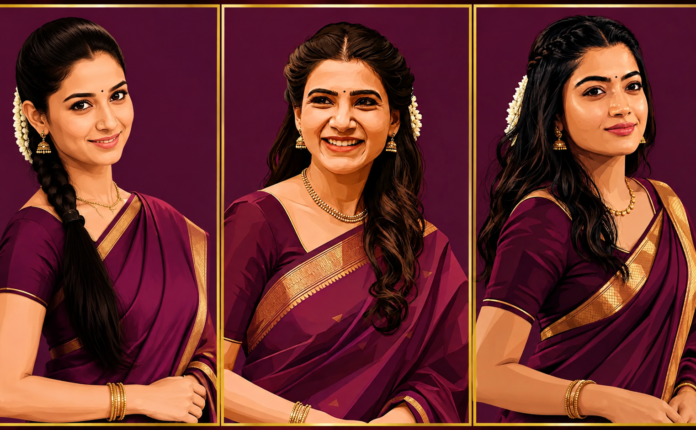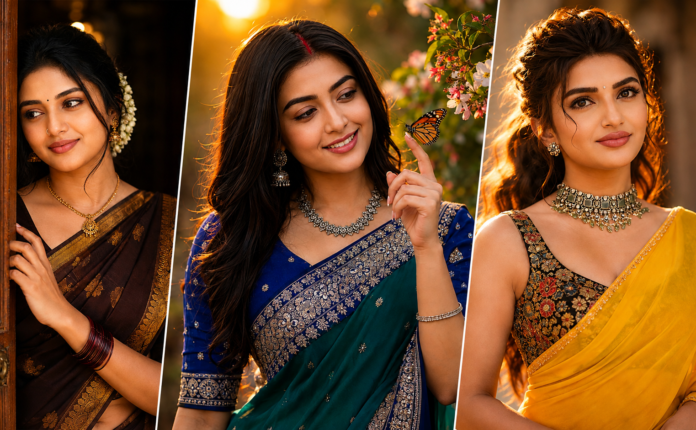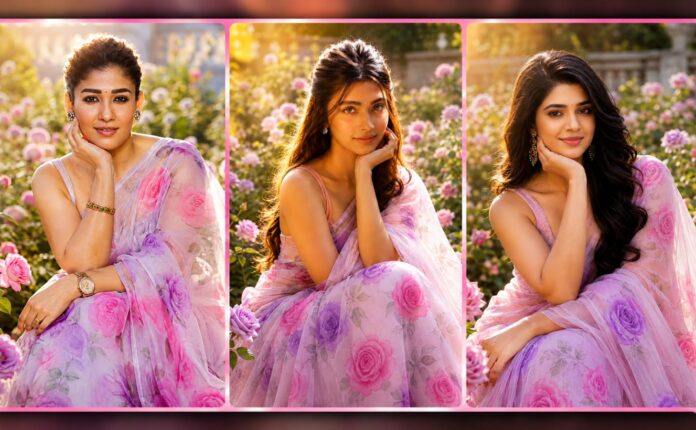
AI Studio Portrait Editing is a growing trend in generating professional-looking portraits without the need for a costly studio setup. With the help of modern AI photo editing software, you can turn a simple portrait into a chic studio portrait, enhance lighting, add realistic shadows, clear backgrounds, sharp facial details, and cinematic effects. Users can produce images that appear as if they were shot with a professional DSLR camera with the appropriate prompt and editing settings. This style is great for social media profiles, Instagram posts, website images, YouTube thumbnails, digital portfolios, and creative projects.
What Is AI Studio Portrait Editing?
AI Studio Portrait Editing is the process of using artificial intelligence to improve or transform a portrait photograph. AI tools can automatically recognize the subject, background, lighting, face, clothing, and composition of an image, rather than manually adjusting each element of the image. The editor can then produce a professional studio look and preserve the key elements of the original portrait. AI can also enhance the image with dramatic lighting, soft background blur, colorful highlights, and realistic depth, making it more appealing.
Creating a Professional Studio Background
One of the most important parts of a studio portrait is the background. A simple background helps keep attention on the person. AI editing tools can replace a distracting background with a professional studio environment. Dark backgrounds, gradient walls, soft textures, luxury interiors, and cinematic studio setups are popular choices. A slightly blurred background can create a DSLR-style depth-of-field effect. The background should match the subject and lighting so the final image looks natural rather than artificially generated.
Realistic Lighting Effects
Lighting is an important factor in producing realistic portraits. AI can apply soft key lighting, rim lighting, side lighting, and subtle highlights to the subject. Controlled shadows and highlights around the face and hair can also give a cinematic look and feel to the image, lending it a premium appearance. Modern studio lighting can be achieved by using warm and cool lights together. A warm light on one side, a blue light on the other, for instance, can create a dramatic portrait ideal for creative social media content.
Improving Facial Details
AI portrait editing can improve facial details while keeping the overall appearance natural. Skin texture can be enhanced, minor imperfections can be reduced, and facial features can become sharper. However, excessive editing can make the face look unrealistic. A good AI portrait should maintain natural skin texture, realistic eyes, accurate facial proportions, and believable expressions. The goal should be professional enhancement rather than completely changing the person’s appearance.
DSLR and Cinematic Look
Many users want their AI portraits to look like professional DSLR photographs. AI prompts can include details such as shallow depth of field, 85mm portrait lens, wide aperture, realistic bokeh, sharp focus, high dynamic range, and cinematic lighting. These instructions help create a photography-inspired appearance. The subject can remain highly detailed while the background becomes softly blurred. This gives the image a premium photography style without requiring a physical camera or studio.
Three-Panel Portrait Editing
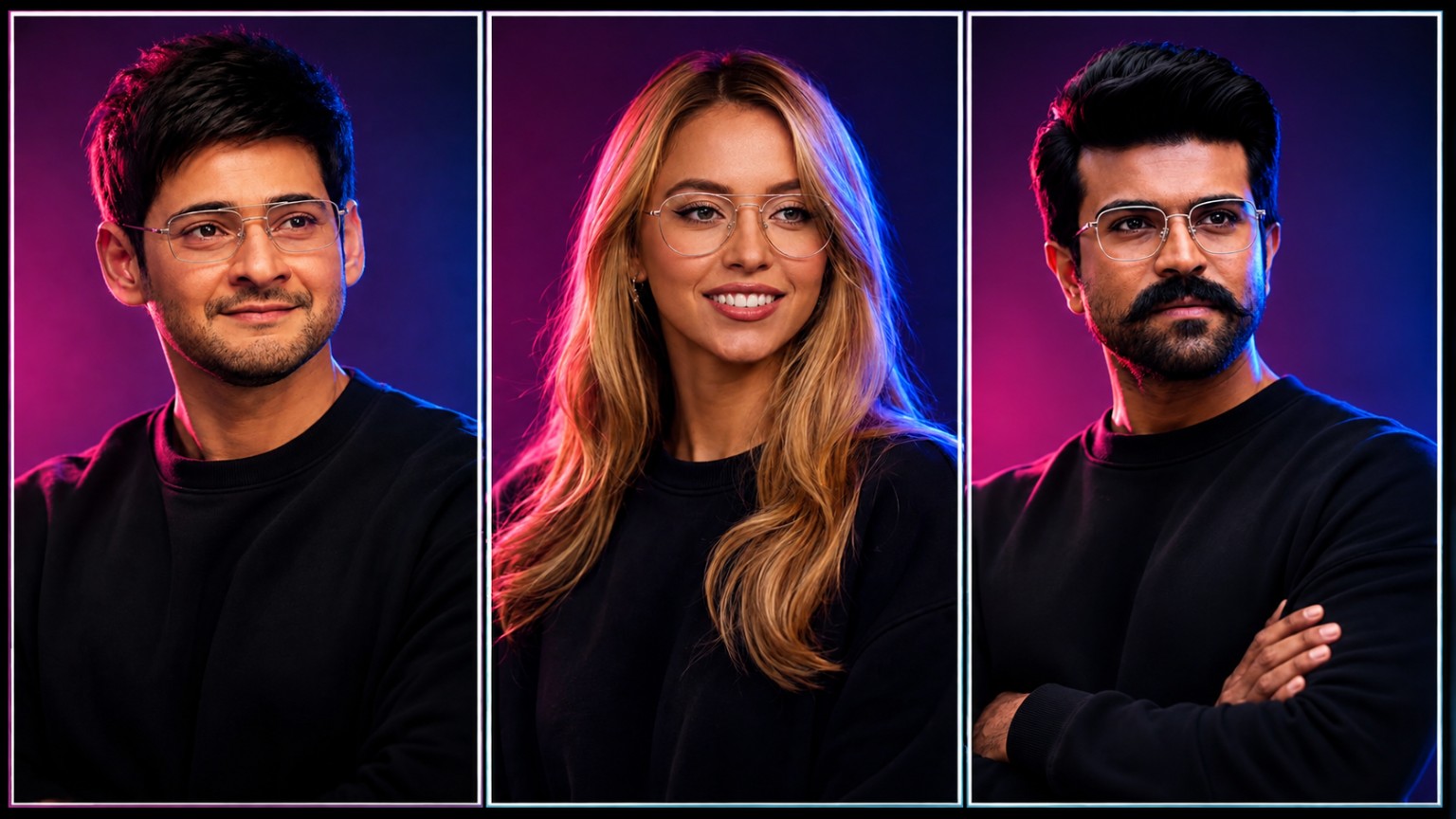
A creative variation of AI studio portrait editing is the three-panel portrait design. In this style, three different portraits are placed inside separate vertical frames. Each person can have a different pose, expression, hairstyle, or lighting direction while maintaining the same overall studio theme. Thin borders can separate the panels and create a professional collage effect. This format is useful for group portraits, character designs, creative posters, team images, and social media thumbnails.
Choosing the Right Clothing Style
Clothing also influences the final appearance of an AI portrait. Simple outfits often work well with studio photography because they keep attention on the face. Black shirts, formal jackets, casual sweaters, traditional outfits, and modern streetwear can all be used depending on the purpose of the image. AI editing can also improve fabric details and lighting while maintaining the original clothing style. Matching the clothing with the background and lighting can make the final composition look more professional.
Hair and Skin Details
Hair is another important element in realistic portrait editing. AI tools can improve individual hair strands, add natural highlights, and create better separation between the hair and background. Skin should remain realistic with visible natural texture. Over-smoothing the face can make the image appear artificial. A professional AI portrait usually combines clear facial details with subtle skin enhancement. This balance helps the image maintain a natural photographic appearance.
Color Grading and Contrast
Color grading can completely change the mood of a portrait. Cinematic color tones can give the image a premium appearance, while neutral colors can create a clean professional look. AI editing tools can improve contrast, brightness, saturation, and highlights automatically. Dark studio backgrounds often work well with vibrant lighting because they create separation around the subject. However, colors should remain balanced. Extremely high saturation can reduce realism and make the portrait look like a digital illustration.
Using AI Prompts Effectively
A detailed prompt can help AI understand the desired result. Instead of simply writing “make a professional portrait,” users can describe the subject, clothing, pose, lighting, background, camera style, image quality, and composition. For example, a prompt can request a realistic studio portrait with soft cinematic lighting, dark background, shallow depth of field, natural skin texture, sharp facial details, professional photography, and high-resolution output. Clear instructions generally provide better control over the final image.
Maintaining Facial Identity
When editing an existing portrait, maintaining the person’s original facial identity is important. A good editing prompt should request that the original facial structure, eyes, nose, hairstyle, skin texture, and overall identity remain consistent. The AI should focus mainly on improving the environment, lighting, composition, and image quality. This is especially useful when creating professional profile pictures or editing personal photographs where the person should still look like themselves.
Common Mistakes to Avoid
There are several mistakes that can reduce the quality of an AI portrait. Over-editing the skin, changing facial proportions, using unrealistic lighting, adding excessive background effects, and creating unnatural hands or clothing details can make the image look artificial. Another common problem is poor lighting consistency. If the subject has light coming from one direction while the background suggests another direction, the image may appear fake. Keeping lighting, shadows, proportions, and colors consistent is important for realistic results.
Best Uses of AI Studio Portraits
AI studio portraits can be used for many digital purposes. They are suitable for social media profile pictures, Instagram posts, YouTube thumbnails, website author images, business profiles, digital portfolios, posters, creative advertisements, and personal branding. Content creators can also use AI portraits to create different visual styles without arranging multiple photography sessions. Businesses can create consistent profile images for digital presentations while maintaining a clean professional appearance.
Benefits of AI Portrait Editing
The biggest advantage of AI portrait editing is convenience. Users can create professional-looking images quickly without needing expensive equipment, studio lighting, or advanced editing knowledge. AI can handle many complicated editing tasks automatically. It can also provide multiple creative variations from the same photograph. This makes it easier to experiment with different backgrounds, lighting styles, outfits, and compositions. For content creators, this can save time and provide more options for regular social media publishing.
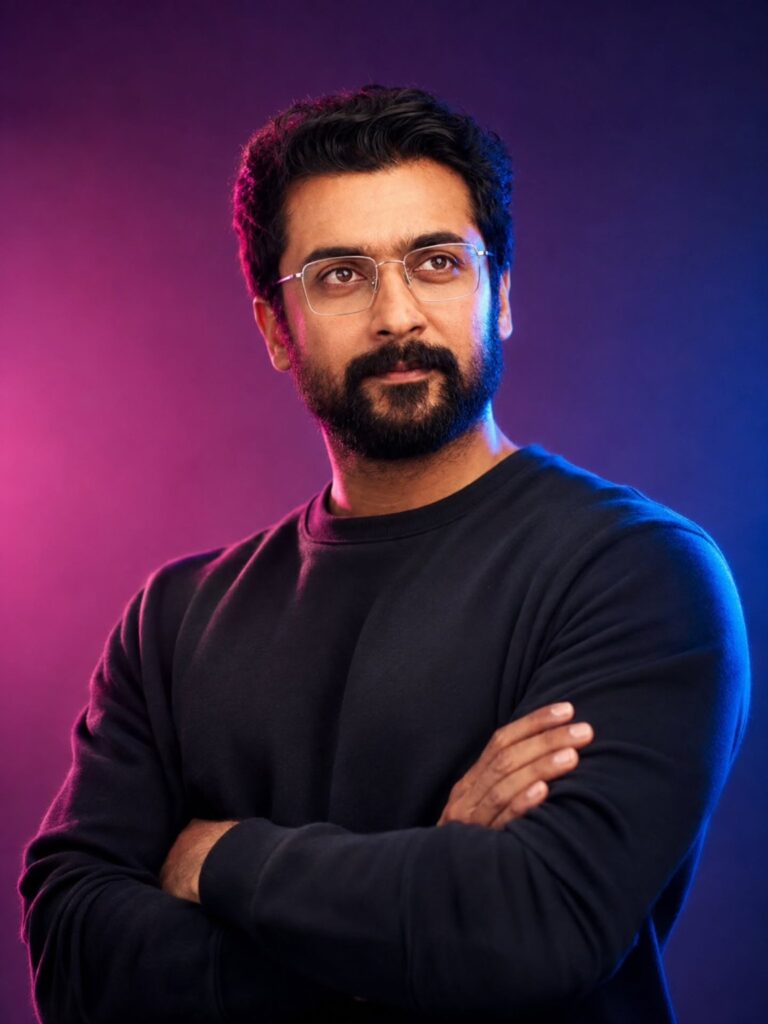
Ultra-realistic professional studio portrait of a confident South Asian man wearing a plain black crew-neck sweatshirt, standing with his arms crossed. Short, thick, naturally styled black hair, neatly groomed full beard and mustache, wearing thin rectangular transparent eyeglasses. Calm and confident facial expression, looking slightly toward the camera. Dramatic cinematic studio lighting with vibrant magenta/pink light from the left side and deep blue light from the right side, creating a stylish rim-light effect around the hair and shoulders. Dark purple and blue gradient background with soft atmospheric lighting and subtle bokeh. Photorealistic skin texture, realistic beard and hair details, natural facial proportions, sharp eyes, premium fashion photography look. DSLR-quality photography, 85mm portrait lens, f/1.8 aperture, shallow depth of field, crisp subject focus, smooth background blur, high dynamic range, cinematic color grading, realistic shadows, ultra-detailed, 8K resolution, professional studio photography, vertical composition.
More Prompts Click Here
Final Thoughts
AI Studio Portrait Editing provides an easy-to-use tool for generating realistic and professional portraits with contemporary visual effects. Whether it’s lighting, background blur (like in a DSLR camera), skin texture, or the composition with three panels, AI tools offer a wide range of options for portrait photography. Clear prompts, natural lighting, realistic facial details, and balanced color grading are the best options.