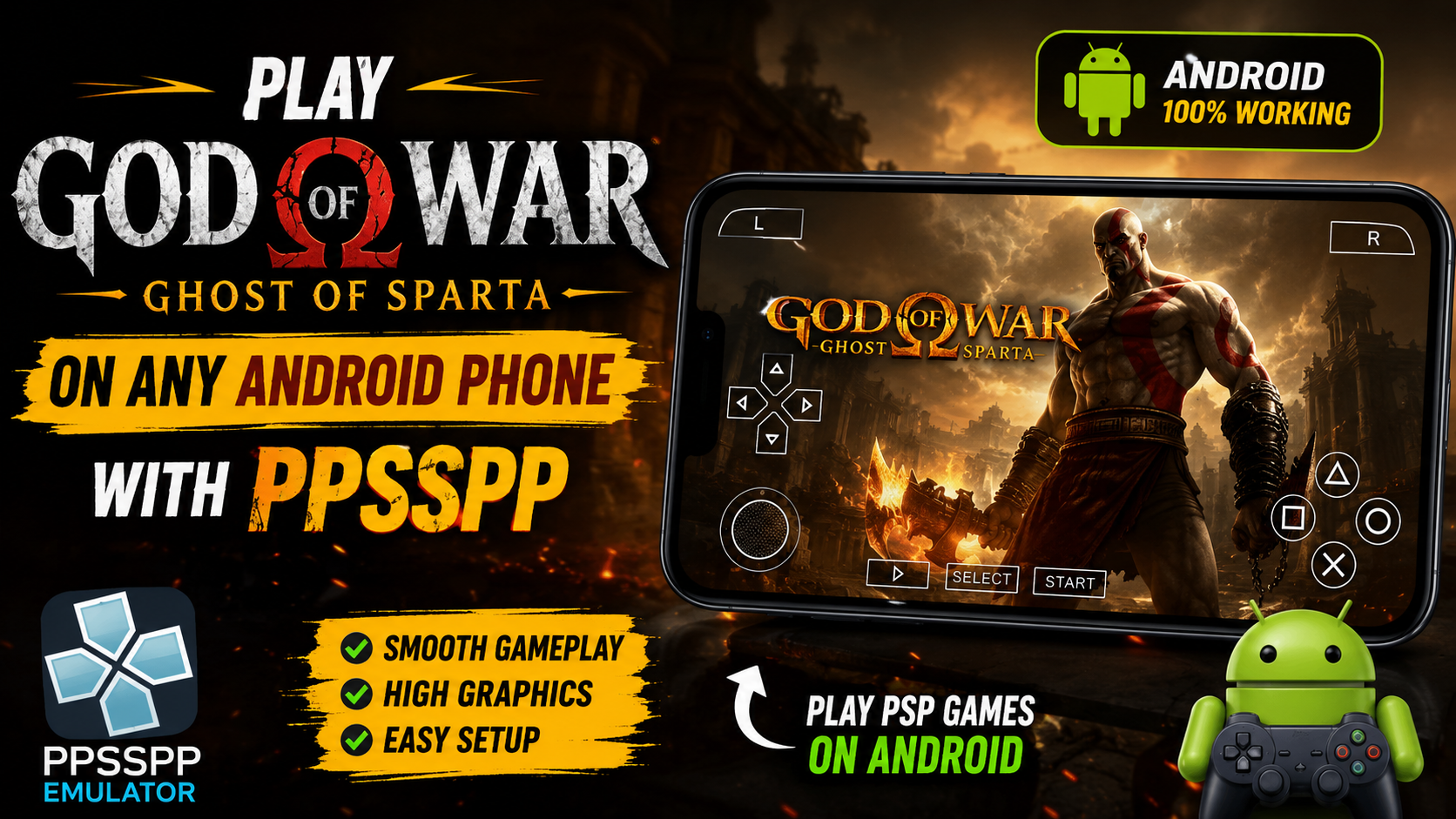
God of War: Ghost of Sparta has been a popular action-adventure game for the PlayStation Portable (PSP). Kratos’ epic journey continues to be enjoyed by many players even years after its release with the PPSSPP Emulator. This classic PSP game has great graphics and smooth operation, and can be played by Android owners.
Thank you for reading this post, don't forget to subscribe!Guide to play God of War: Ghost of Sparta on any Android device with PPSSPP emulator. It also contains some tips that will make it easier to perform and to have a better gaming experience.
What is PPSSPP?
PPSSPP is a PSP emulator that runs PSP games on Android, Windows, Linux, macOS and more, free of charge. It recreates the PSP hardware in software, making it possible to enjoy classic games with higher resolutions, better graphics, and customizable controls.
The emulator can save games, can have external controllers, can render the games in HD, can scale the textures, and offers numerous performance options not available on the original PSP console.
Why Play Ghost of Sparta on Android?
Playing the game on Android offers several advantages over the original PSP.
Some benefits include:
- High-definition graphics
- Smooth gameplay on modern smartphones
- Customizable touch controls
- Bluetooth controller support
- Save and load game anytime
- Fast loading times
- Adjustable graphics settings
- Portable gaming anywhere
These features make the Android experience more enjoyable than the original hardware for many players.
Minimum Requirements
Before installing PPSSPP, make sure your phone meets these basic requirements.
- Android 7.0 or later
- At least 3 GB RAM
- Quad-core processor or better
- Around 2 GB of free storage
- Stable internet connection for downloading the emulator
Mid-range and flagship phones will provide the best performance.
Install the PPSSPP Emulator
Installing PPSSPP is simple.
- Open the Google Play Store.
- Search for PPSSPP Emulator.
- Install the official version.
- Open the application after installation.
The emulator is lightweight and easy to set up.
Get Your Game Backup
To play God of War: Ghost of Sparta, you’ll need a legally obtained backup of the game from a PSP game disc that you own. PPSSPP supports ISO and CSO game files.
After placing your game backup in your phone’s storage, use PPSSPP to browse to its location and launch it.
Best PPSSPP Settings
Using the right settings can improve performance significantly.
Graphics Settings
- Rendering Resolution: 2x PSP or Auto
- Frame Skipping: Off
- Backend: Vulkan (if supported)
- Buffered Rendering: On
- Texture Scaling: Auto
- V-Sync: Off
Performance Settings
- Fast Memory: Enabled
- Lazy Texture Caching: Enabled
- I/O on Thread: Enabled
- Hardware Transform: Enabled
These settings provide a good balance between graphics quality and smooth gameplay.
Customize the Controls
PPSSPP allows complete control customization.
You can:
- Resize on-screen buttons
- Change button positions
- Adjust transparency
- Connect Bluetooth gamepads
- Map controller buttons
A controller provides the most comfortable gaming experience for action games like Ghost of Sparta.
Improve Graphics Quality
Modern Android phones can display PSP games in much higher quality than the original console.
To enhance visuals:
- Increase rendering resolution.
- Enable texture filtering.
- Turn on anisotropic filtering.
- Use texture scaling carefully.
- Enable post-processing shaders if your device is powerful enough.
These options make character models and environments look sharper.
Fix Lag and FPS Drops
If the game feels slow, try these tips:
- Close background apps.
- Restart your phone.
- Lower rendering resolution.
- Disable heavy graphics effects.
- Use Vulkan instead of OpenGL if available.
- Turn off battery saver mode.
- Free up storage space.
These adjustments usually improve performance on budget devices.
Save Your Progress
PPSSPP supports two save methods.
In-Game Saves
These work exactly like the original PSP game.
Save States
Save states let you instantly save and load your progress at any point.
This feature is useful before difficult boss battles or challenging levels.
Features of PPSSPP
Some of the best PPSSPP features include:
- HD graphics
- High FPS support
- Save states
- Controller support
- Cheat support
- Screen recording compatibility
- Multiplayer support for selected games
- Screenshot capture
- Fast-forward gameplay
- Multiple graphics APIs
These features help modernize classic PSP games.
Tips for the Best Experience
For the smoothest gameplay:
- Keep PPSSPP updated.
- Use the latest Android version if possible.
- Avoid overheating by playing in a cool environment.
- Use headphones for immersive audio.
- Charge your phone before long gaming sessions.
- Use a controller for better control.
Small improvements like these can greatly enhance your experience.
Is PPSSPP Safe?
Yes. The official PPSSPP emulator is widely used and considered safe when downloaded from trusted sources such as the Google Play Store or the official PPSSPP website.
Avoid downloading modified versions of the emulator from unknown websites, as they may contain unwanted software.
Download Game
Install App 1
Install App 2
Conclusion
God of War: Ghost of Sparta is one of the finest PSP games of all time. The PPSSPP emulator allows Android users to experience this action-packed adventure in all its glory, complete with improved graphics, customizable controls, and an improved performance on today’s smartphones.
You can enjoy this classic game with the same experience as Kratos for the first time or relive his path again – PPSSPP can help you do so. With the proper settings and an effective Android gadget, you can make the most of a game nearly anyplace.