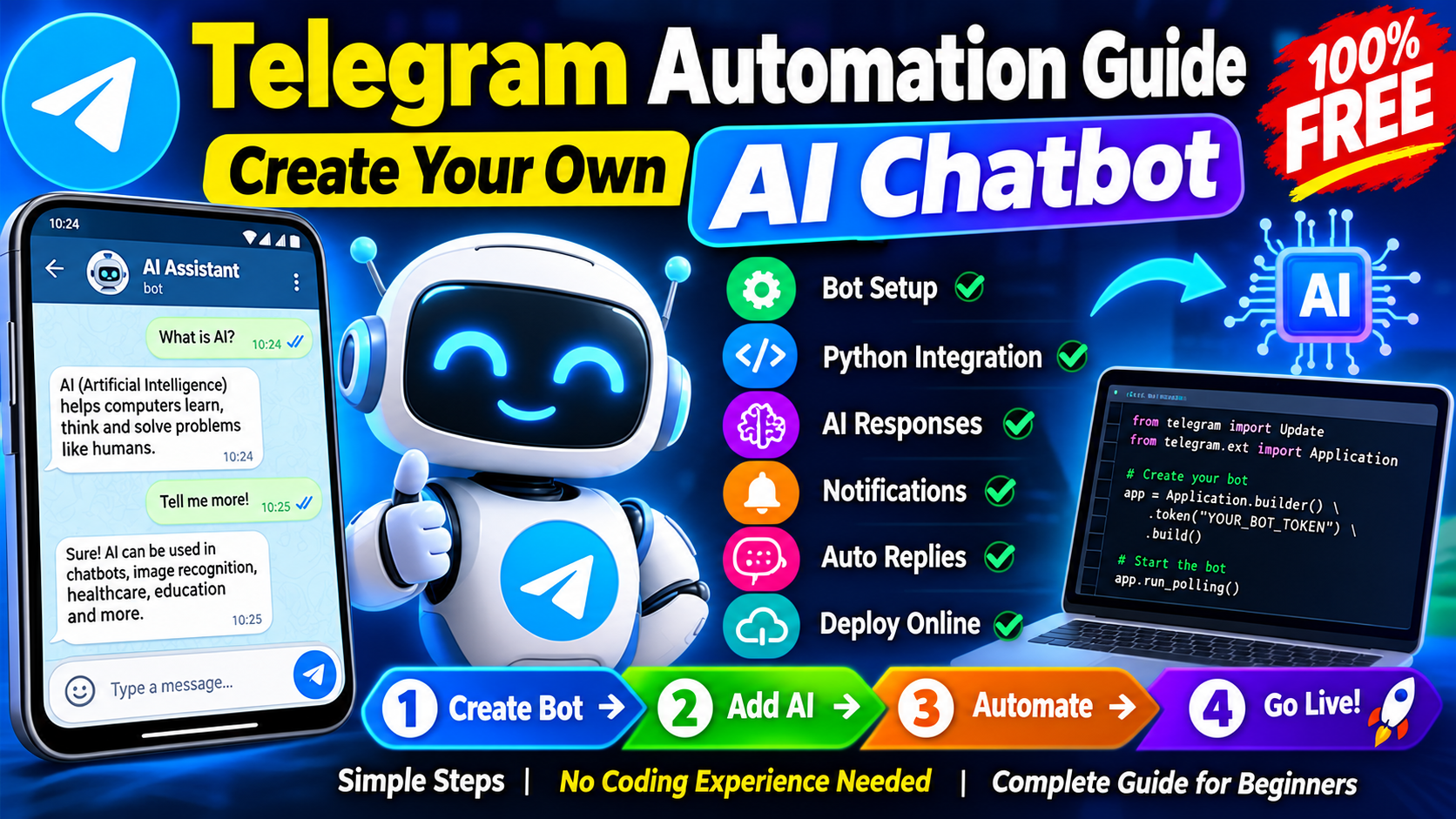
Telegram automation is becoming a useful solution for businesses, website owners, content creators, and online communities. With the help of the Telegram Bot API and artificial intelligence, users can create automated chatbots that answer questions, send notifications, share information, and communicate with people more efficiently. An AI-powered Telegram chatbot can respond to user messages, provide helpful suggestions, and automate repetitive tasks without requiring someone to reply manually every time. The best part is that beginners can start building a basic Telegram chatbot using free tools and simple programming techniques.
Thank you for reading this post, don't forget to subscribe!What Is Telegram Automation?
Telegram automation is the process of using software to perform tasks automatically inside Telegram. These tasks can include sending scheduled notifications, responding to commands, welcoming new users, providing customer support, and delivering updates from a website. Automation helps reduce repetitive work and makes communication faster. For example, a website owner can create a Telegram bot that sends new article notifications to subscribers. An online store can use a chatbot to answer common questions about products, while an educational community can share automatic reminders about classes and events.
What Is an AI Telegram Chatbot?
An AI Telegram chatbot is an automated bot that uses an artificial intelligence model or service to understand questions and generate relevant responses. Unlike a basic chatbot that only follows predefined commands, an AI chatbot can handle a wider range of natural-language questions. For instance, a user may ask for an explanation of a technical topic, request a summary, or seek help understanding a product. The bot can send the message to an AI service, receive a generated answer, and return that answer through Telegram. AI services may have usage limits or paid plans, so check the provider’s terms before integrating them.
Benefits of Creating Your Own AI Telegram Bot
Creating your own AI chatbot can offer several practical advantages. First, it can answer frequently asked questions at any time while the bot’s program and required services are running. Second, it can reduce the time spent on repetitive communication. Third, it can help website owners share updates and provide information directly to interested subscribers. Businesses can use chatbots to guide customers through common support questions, while content creators can automate selected announcements. Developers can also connect bots to databases, calendars, or other services when needed. However, an AI chatbot should not be treated as completely reliable.
Tools Required to Build an AI Telegram Chatbot
You do not need an expensive development setup to begin. Several tools can help you create and test a basic chatbot.
| Tool | Purpose |
|---|---|
| Telegram | Messaging platform where users interact with the bot |
| BotFather | Creates and manages Telegram bot accounts |
| Python | Programming language for the bot’s logic |
| Telegram Bot API | Connects your program to Telegram |
| AI API provider | Generates intelligent responses to messages |
| Hosting service | Keeps the bot running online |
| Database (optional) | Stores settings, preferences, or conversation data |
Some tools are available for free, but AI API usage, hosting, and database services may introduce costs depending on the provider and project requirements.
Step 1: Create a Telegram Bot Using BotFather
Open Telegram and search for the official account named @BotFather. Start a conversation and send the /newbot command. Follow the instructions to choose a display name and a unique username that meets Telegram’s requirements. After the bot is created, BotFather will provide an API token. This token is used to authenticate your program with Telegram’s servers. Store it securely and never publish it in a website article, public code repository, or screenshot. Anyone who obtains the token may be able to control your bot. You can use BotFather later to update your bot’s description, profile picture, and other supported settings.
Step 2: Set Up Python and the Required Library
Install Python from the official Python website and verify the installation using your computer’s terminal. Create a folder for your chatbot project and install a compatible Telegram bot library. One popular choice is python-telegram-bot, which can be installed with the command pip install python-telegram-bot. Read the library’s current documentation because examples and requirements can change between versions. Keeping your project in a dedicated folder will make it easier to maintain the code and troubleshoot errors.
Step 3: Add AI Responses to Your Bot
The next step is to connect your Telegram bot to an AI service. At a high level, the process works like this: a user sends a message to Telegram, your bot receives the message, and your program forwards the relevant text to an AI API. The AI service generates a response, and your program sends the result back to the user through Telegram. You will need an API key from your chosen AI provider and a suitable software library or HTTP client to make requests. Store the AI API key as an environment variable rather than writing it directly into your source code. Add error handling for network failures, rate limits, and unavailable services. You should also set reasonable message-length limits and avoid sending private user information to external AI services without an appropriate reason and clear disclosure.
Step 4: Add Useful Telegram Automation Features
Once the AI connection works, you can improve the chatbot with features that match your goals. A /start command can welcome users, and a /help command can explain what the bot can do. You can create a frequently asked questions feature, schedule reminders, or send new website article notifications to users who have subscribed. A business chatbot can provide opening hours, service descriptions, or links to support resources. An educational bot can explain learning topics and share study reminders. You can also add language selection, basic conversation history, and a database to store user preferences. Introduce these features gradually and test each one before making it available to everyone.
Step 5: Host Your AI Telegram Chatbot Online
A bot running on your personal computer usually stops working when the program closes or the computer goes offline. To provide continuous service, deploy it to a suitable hosting platform that supports your application. Depending on the provider, options may include a virtual private server or a cloud application service. Some platforms offer free plans, but their limits and availability can change. Review the current pricing, background-process restrictions, and usage policies before deployment. Configure your credentials securely, monitor errors, and keep your software updated. For a growing chatbot, consider request limits, logging, and a backup plan for important configuration data.
Telegram AI Chatbot vs Traditional Telegram Bot
| Feature | Traditional bot | AI-powered bot |
|---|---|---|
| Replies | Predefined responses | AI-generated responses |
| User questions | Usually follows commands or rules | Can handle natural-language questions |
| Setup | Generally simpler | Requires an AI integration |
| Running costs | Can be minimal | May include AI usage charges |
| Best use | Notifications and simple automation | Flexible assistance and conversational support |
Both approaches are useful. A traditional bot is often enough for scheduled updates and fixed commands, while an AI-powered bot may be better for open-ended questions. You can also combine both approaches to create a more controlled and useful experience.
Security and Best Practices
Security should be considered from the beginning. Keep your Telegram token and AI API key private, restrict administrative commands, and validate incoming messages. Apply rate limits to reduce spam and unexpected usage charges. If you store conversation history, collect only what is necessary and explain how the information is used. Avoid sending sensitive personal details to AI services unless the use is justified and appropriate safeguards are in place. Add clear instructions about the chatbot’s limitations and provide an alternative contact method when human assistance is needed. Regular testing and monitoring can improve reliability as your audience grows.
Conclusion
The Telegram Automation Guide demonstrates how beginners can combine the Telegram Bot API, Python, and artificial intelligence to create a useful automated chatbot. You can start with a basic bot, connect an AI service, and gradually add notifications, customer support, reminders, and other features. Basic bot creation can be free, although hosting and AI usage may involve additional costs. By protecting your credentials, testing your code, and explaining your chatbot’s limitations, you can build a more reliable service for your website, business, or online community. Start with one practical feature, improve it through testing, and expand your Telegram AI chatbot as your requirements grow.