
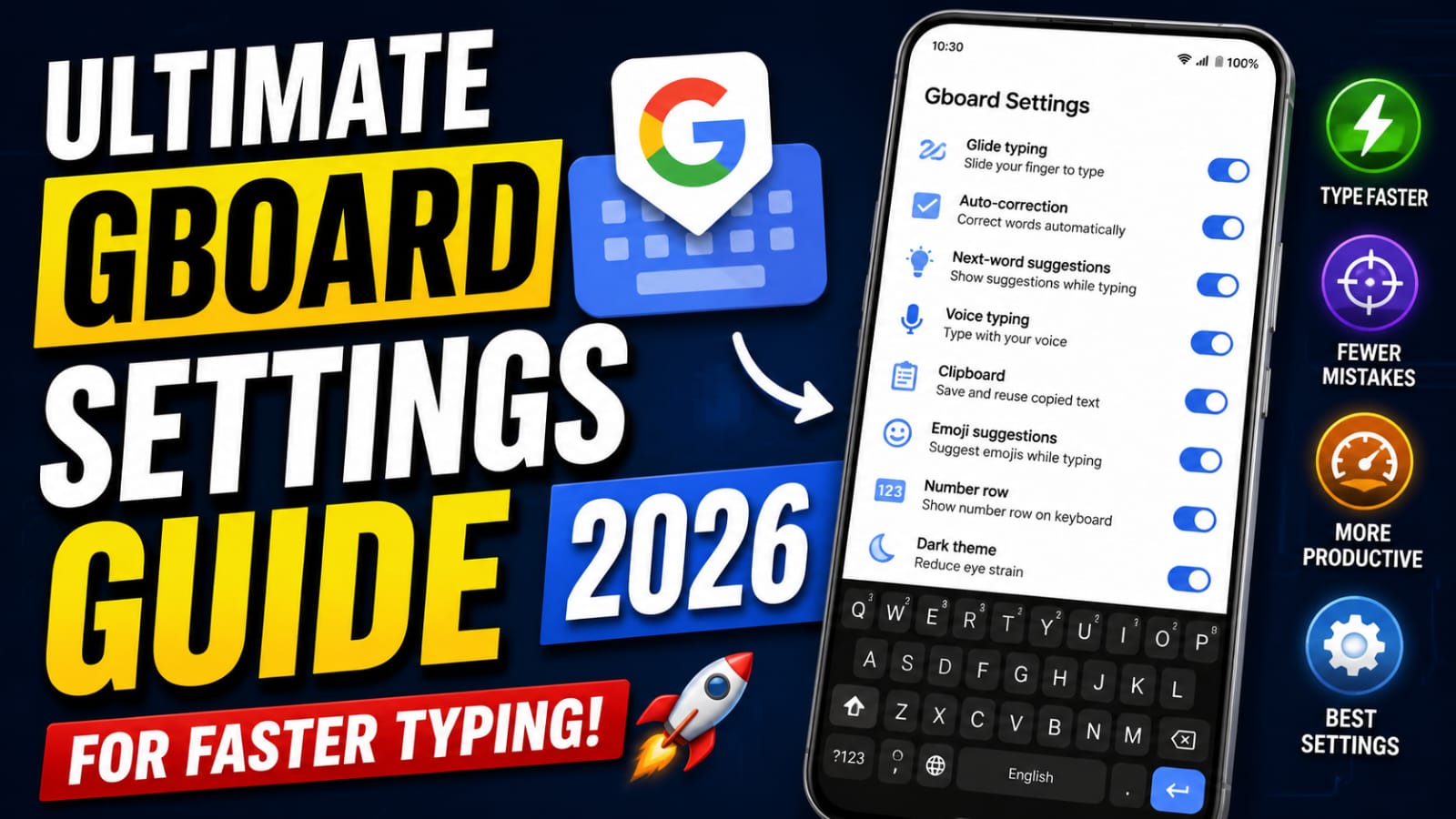
Gboard is a built-in keyboard application offered by Google for both Android and iPhone phones. There are plenty of beneficial functions integrated into the keyboard application which can help increase typing efficiency. Gboard is used on a daily basis by most individuals, and yet there are many other features that are overlooked and not utilized properly.
Thank you for reading this post, don't forget to subscribe!Why Use Gboard?
Gboard is one of the most commonly used keyboard applications globally. Some features offered by the application include fast typing, suggestions, voice typing, emoji support, and extensive customization options. The keyboard is easy to use, and it functions well on most Android phones. Given the right configuration, Gboard can make typing faster and minimize errors.
Glide Typing for Faster Input
One of the most useful features in Gboard is Glide Typing. Instead of tapping each letter individually, users can slide their finger across the keyboard to form words. This feature reduces finger movement and increases typing speed dramatically after a few days of practice. Glide Typing is especially useful on large smartphones where one-handed typing becomes difficult.
Smart Autocorrect and AI Suggestions
Autocorrect technology in Gboard has become more intelligent in 2026 thanks to AI improvements. The keyboard can now understand sentence structure better and predict words more accurately based on writing habits. Smart suggestions help users complete sentences quickly while reducing spelling mistakes.
Voice Typing for Maximum Speed
Voice typing has become one of the fastest ways to create messages and notes on smartphones. Gboard’s voice recognition system now supports better punctuation detection, improved language understanding, and faster processing. Users can speak naturally while the keyboard converts speech into text almost instantly. This feature is extremely useful for multitasking, driving, walking, or creating long paragraphs quickly.
Keyboard Size and Layout Customization
Many people type slowly simply because their keyboard layout is uncomfortable. Gboard allows users to customize keyboard height, key spacing, and one-handed mode for better comfort. Adjusting the keyboard size can improve typing accuracy by reducing accidental key presses.
Clipboard Manager for Productivity
The clipboard manager in Gboard is one of the most underrated productivity tools available on Android devices. It stores recently copied text, links, and phrases so users can quickly paste them later without copying again. This feature becomes extremely useful for content creators, students, social media managers, and office workers who frequently handle repetitive text.
Personal Dictionary and Text Shortcuts
Gboard allows users to create personalized shortcuts for commonly used phrases and sentences. This feature helps save time during repetitive typing tasks. Users can create short abbreviations that automatically expand into full sentences, addresses, email IDs, or frequently used replies. For example, typing a short keyword can instantly insert a long message or contact information.
Emoji and GIF Suggestions
Modern communication heavily depends on emojis, stickers, and GIFs. Gboard improves digital conversations by offering smart emoji and GIF suggestions based on typed words. Instead of searching manually, users receive quick recommendations that match the conversation context. This feature makes chats more expressive and entertaining while reducing the time spent browsing emoji menus.
Multilingual Typing Support
One of Gboard’s strongest advantages is multilingual typing support. Users can add multiple languages and switch between them seamlessly without changing keyboards manually. Gboard automatically detects languages during typing and provides suitable predictions accordingly.
Theme and Visual Customization
Keyboard appearance also affects typing comfort and accuracy. Gboard provides several customization options including dark mode, custom colors, key borders, and background themes. A clean and visually comfortable keyboard reduces eye strain during long typing sessions. Dark themes are especially useful at night because they reduce screen brightness and improve readability in low-light environments. High-contrast themes help users see keys more clearly and minimize typing errors. Personalizing keyboard appearance creates a more enjoyable and comfortable user experience overall.
Hidden Features Many Users Ignore
Gboard includes several hidden features that many users never explore. The floating keyboard option allows users to move the keyboard freely across the screen, which is useful for tablets and foldable devices. Built-in translation support enables instant language conversion directly from the keyboard without opening separate apps.
Common Problems and Solutions
Though the app is extremely well-optimized, there may be instances where users face lag issues or erroneous voice typing. However, most such cases are quite easy to fix through updates, cache cleaning, or relearning of words. Erroneous predictions normally resolve themselves as the user continues using the keyboard.
Download App
Conclusion
Gboard has become one of the most intelligent mobile keyboards in the year 2026. With features like AI-based corrections, gestures typing, multilingual capabilities, voice recognition, and personalization options, it ensures that you get a full-fledged typing experience on your phone. People usually tend to rely on the default configurations, not knowing what they are missing out on with their phones.

