
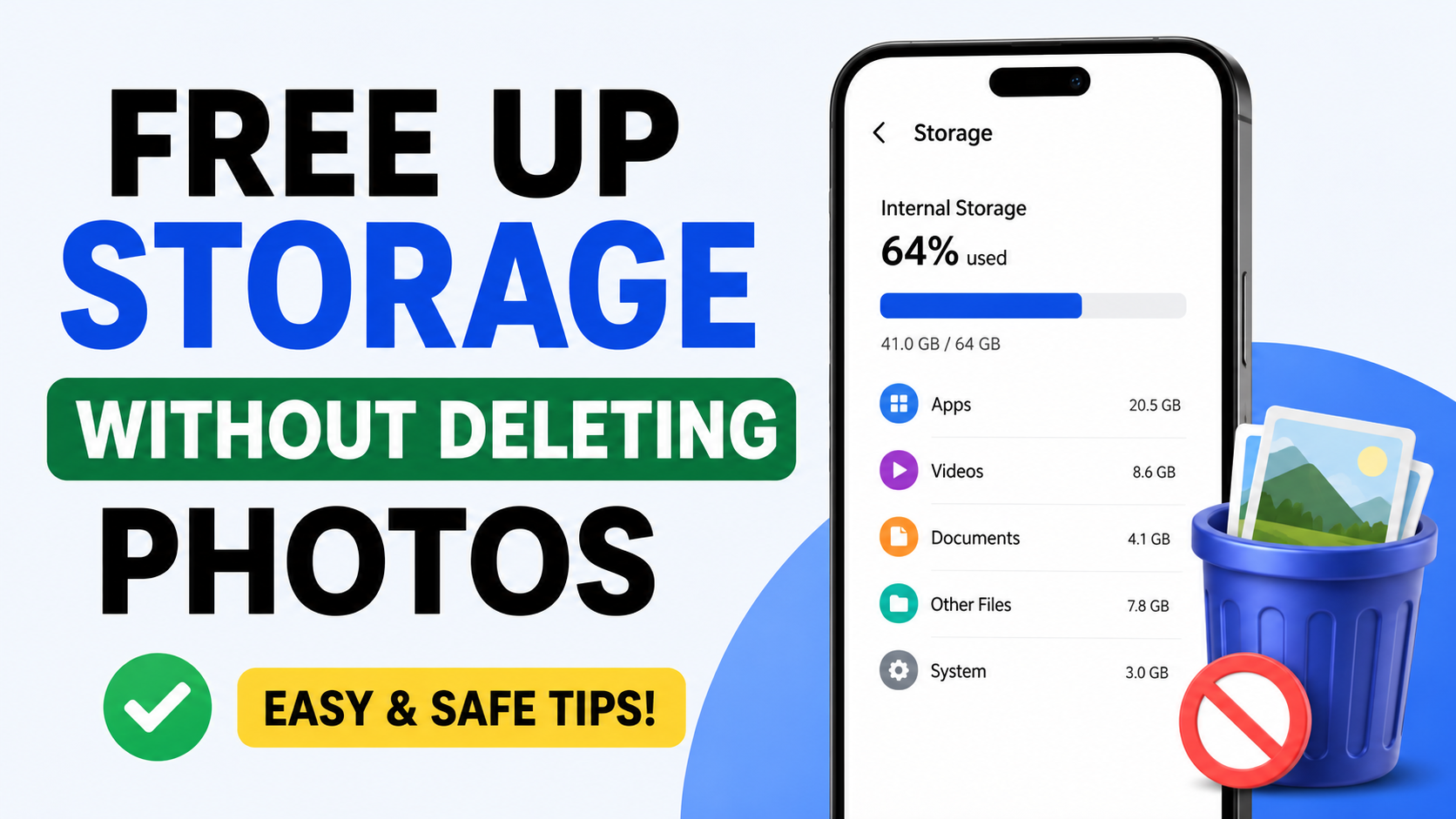
One of the issues that is very widespread nowadays is the lack of storage space in smartphones. The thing is that mobile applications keep becoming larger and larger, plus modern cameras are able to record videos with high quality. As a result, people think that they have to delete those pictures they love the most to have more free storage space. Luckily enough, there is no need for such drastic measures if you know the proper ways of managing the storage space.
Thank you for reading this post, don't forget to subscribe!By using the right ways of managing storage, it is possible to clear a few gigabytes without deleting any of your pictures. This is a great way to make the use of your Android phone easier and more convenient.
Clear Cache Files to Instantly Free Space
Cache files are basically temporary data files created by applications so that their functioning becomes fast. These apps like Instagram, YouTube, Facebook, Chrome, TikTok, and others generate large numbers of cache files while operating in the background. People tend to be very shocked when they learn that these cache files can take up several gigabytes of internal storage.
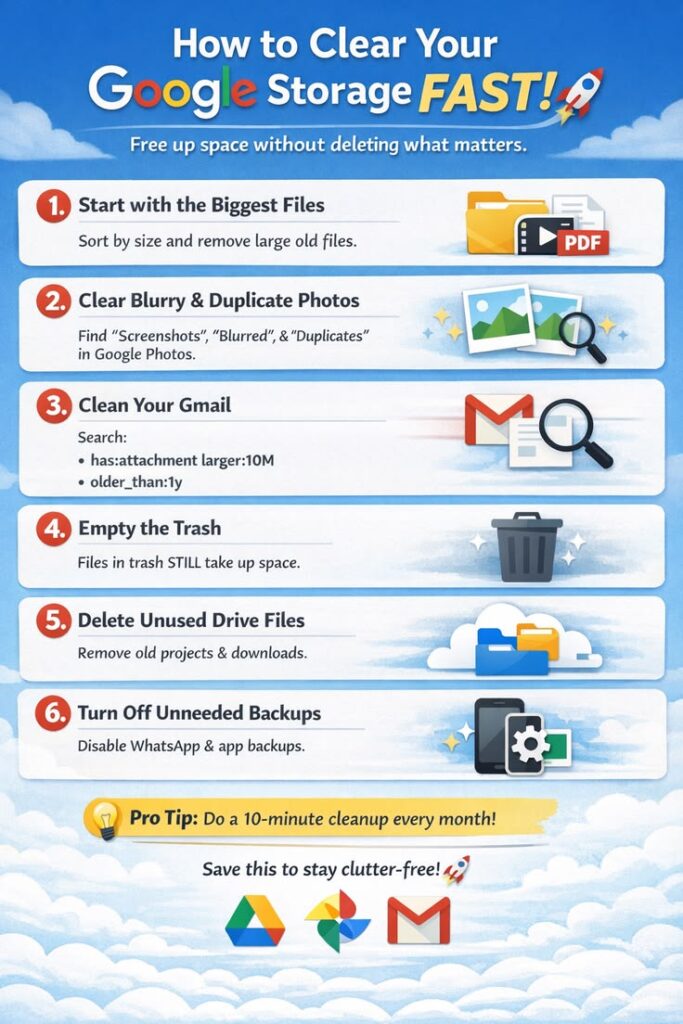
The process of deleting cache files has nothing to do with deleting any of your pictures, videos, chat history, or any other personal data. It simply deletes temporary data that your apps can generate again. Cache files can be deleted by entering Settings on your phone, then Apps > choose an app > Storage > Clear Cache.
Use Cloud Storage Services for Photo Backup
Cloud storage is one of the safest and smartest ways to manage smartphone storage. Services like Google Photos automatically back up your images and videos online, allowing you to access them anytime from any device. Once your photos are safely backed up, you can remove local copies from your phone while still keeping your memories secure.
Remove Duplicate Files from Your Device
Duplicate files often waste a surprising amount of storage space. Screenshots, downloaded memes, repeated WhatsApp images, and copied videos slowly build up over time. Many people accidentally save the same file multiple times without noticing it.
Duplicate cleaner apps can scan your device and identify repeated images, videos, documents, and audio files. Removing unnecessary duplicates instantly creates more free storage while keeping the original files safe. Regular duplicate cleaning also helps keep your gallery and file manager more organized.
Delete Unused Applications
Many apps occupy large amounts of storage even when they are not actively used. Games, editing tools, and social media apps often store hidden background data that increases over time. If your phone contains apps you rarely open, uninstalling them can significantly improve available storage.
You can check storage usage by opening Settings and selecting Storage or Apps. This section shows which apps consume the most space. Removing unused applications not only frees storage but also improves phone speed, battery life, and overall system performance.
Clean the Downloads Folder Regularly
The Downloads folder is one of the most ignored areas on a smartphone. Files such as PDFs, APK installers, videos, memes, and documents remain stored long after they are no longer needed. Over months, these forgotten files can consume a huge amount of storage.
Checking the Downloads folder regularly helps remove unnecessary clutter. Deleting old installation files, duplicate documents, and unused videos can instantly recover storage space without affecting personal photos or important media.
Manage WhatsApp Storage Efficiently
WhatsApp is one of the biggest storage-consuming apps on Android devices. Images, videos, voice notes, and forwarded files automatically download into your phone storage every day. Group chats especially create large amounts of unwanted media.
Inside WhatsApp settings, the Manage Storage feature allows users to review large files and unnecessary media. You can delete forwarded videos, old voice notes, and duplicate files while keeping important personal images safe. Disabling automatic media downloads also prevents future storage issues.
Move Large Files to an SD Card
If your smartphone supports external memory cards, moving files to an SD card is a highly effective storage solution. Videos, music collections, large documents, and even certain apps can be transferred from internal storage to external memory.
Freeing internal storage is important because Android devices perform better when enough free space is available. Keeping internal memory lighter helps apps load faster and reduces lag during multitasking and gaming.
Use Lite Versions of Popular Apps
Many major apps now offer lightweight versions designed for phones with limited storage and RAM. Apps like Facebook Lite, Messenger Lite, and YouTube Go consume less storage space and require fewer background resources.
Lite applications are ideal for users who want better phone performance without removing essential apps. They use less mobile data, improve battery life, and help keep storage usage under control while still offering core features.
Delete Offline Downloads from Streaming Apps
Streaming platforms like Netflix, Spotify, YouTube, and Amazon Prime allow users to download content for offline viewing. While convenient, these downloads consume massive storage space, especially HD videos and playlists.
Deleting movies, episodes, and songs you no longer watch or listen to can recover large amounts of storage. Since streaming apps allow redownloading anytime, keeping old offline content is usually unnecessary.
Compress Large Video Files
Videos are often the largest files stored on smartphones. A single high-quality recording can occupy hundreds of megabytes or even several gigabytes. Instead of deleting important videos, users can compress them using video compressor apps.
Compression reduces file size while maintaining acceptable quality. Smaller video files save storage, upload faster, and are easier to share online. This method is especially useful for content creators and users who record many videos regularly.
Organize and Clean Screenshot Folders
Most smartphone users capture screenshots daily for payments, conversations, social media posts, and reminders. Over time, screenshot folders become cluttered with unnecessary images that no longer serve any purpose.
Reviewing screenshots weekly and deleting unwanted images helps keep storage organized. This simple habit prevents your gallery from becoming overloaded and saves valuable space over the long term.
Turn Off Automatic Media Downloads
Automatic downloads are one of the biggest reasons storage fills up quickly. Messaging apps and social media platforms constantly download images and videos in the background without user permission.
Disabling auto-download settings gives you better control over what gets saved on your phone. This prevents unnecessary memes, videos, and forwarded files from consuming storage space and keeps your gallery cleaner.
Use Trusted Storage Cleaner Apps
Storage cleaner apps can help identify junk files, large videos, duplicate photos, and temporary app data. However, users should avoid fake cleaner apps filled with ads and unnecessary features.
Reliable cleaning apps like Google Files provide safe storage management tools without harming personal files. They help users quickly identify what can be removed while improving phone organization and performance.
Benefits of Freeing Storage Space
Having enough free space on your phone can have numerous benefits. First of all, phones with healthy storage function faster, do not lag, and crash less often. In addition, sufficient storage positively affects your phone’s battery life and its gaming capabilities. Moreover, there is a problem with most Android smartphones – they slow down a lot when the internal storage space is depleted.
Free Up Storage
Final Thoughts
Deleting your most cherished pictures is not required in order to clear out extra space on your Android smartphone. There are some smart tips that one could follow in order to effectively manage storage space while maintaining all the cherished memories intact.
Some simple practices such as deleting cache, duplicate files, download files, and utilizing cloud storage go a long way. Proper care will keep your Android phone running efficiently and effectively.







Comments are closed.