Independence Day is a special occasion for every Indian. August 15 is the day for celebrating freedom, unity and national pride. Over the last few years, it is becoming increasingly popular to use social media to take photos of Independence Day. AI photo editing software makes it simple to create a standard portrait into a gorgeous patriotic poster. Professional Independence Day pictures can be made with a simple white dress, the Indian flag, a natural background and creative typography.
Thank you for reading this post, don't forget to subscribe!Create a Patriotic Photo with AI
With AI photo editing, it’s possible to produce a lifelike Independence Day portrait without any complex editing abilities. Upload your portrait and use a comprehensive AI prompt to alter the garments, backdrop, light, and vibe. The primary objective is to ensure that the person’s face remains recognisable while using a patriotic theme around the person.
For this style, a clean white T-shirt and white pants create a simple and elegant appearance. White also works well with the Indian tricolor because it naturally matches the white section of the national flag. Adding sunglasses can give the portrait a modern and confident look while maintaining a stylish appearance.
Add the Indian National Flag
The Indian national flag is the most important element in this type of photo editing. The flag should have accurate saffron, white, and green colors with the navy-blue Ashoka Chakra in the center. AI tools can create a large flag waving naturally behind the subject or place the person beside a flagpole.
For a realistic result, the flag should have natural folds and movement. Avoid making the flag look flat or artificial. The lighting on the flag should also match the lighting on the person. This small detail can make the final image look much more realistic and professional.
Choose a Beautiful Outdoor Background
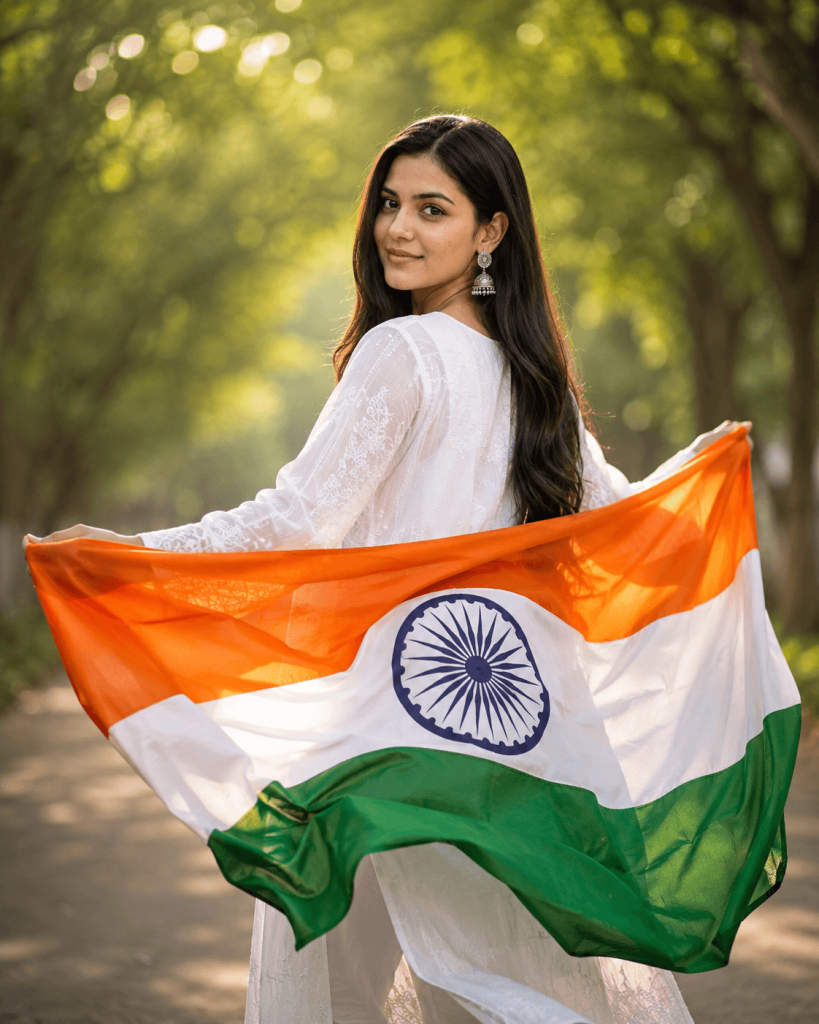
A bright outdoor environment can make the Independence Day poster more attractive. A soft blue sky, green trees, warm sunlight, and a slightly blurred background are good choices. You can also add a distant Independence Day celebration crowd holding small Indian flags.
Background blur helps keep the main focus on the person. Golden sunlight can create a cinematic effect and add warmth to the image. However, the background should not be too bright or colorful because it may distract attention from the subject and the national flag.
Add Happy Independence Day Text
Typography is another important part of a patriotic poster. You can add “HAPPY INDEPENDENCE DAY” at the top of the image. Use a stylish and bold font that is easy to read on mobile screens. The text can use saffron, white, and green shades inspired by the Indian flag.
An Ashoka Chakra symbol can also be included near the text to strengthen the patriotic theme. Keep the text away from the face so that the portrait remains clearly visible. A clean layout with enough spacing usually looks more professional than adding too many design elements.
Use a 4:5 Portrait Format
A 4:5 aspect ratio is a good choice for Independence Day social media posts. It provides enough vertical space for the subject, flag, background, and text. The person can be positioned in the center or slightly to one side while leaving space for the title at the top.
Before generating the final image, make sure the entire subject is properly visible. Avoid unnecessary cropping, distorted hands, extra fingers, or unnatural body proportions. A high-quality portrait with realistic skin texture will give a much better final result.
Keep the Face Natural
When using AI for photo editing, preserving the original face is very important. The facial features, face shape, hairstyle, beard, skin tone, and natural appearance should remain consistent with the reference photo. Avoid prompts that ask the AI to beautify or completely change the face.
A good AI prompt should clearly mention that the uploaded image is the identity reference. It should also request realistic skin texture, natural facial details, professional photography, and accurate lighting. This helps create an edited image that still looks like the original person.
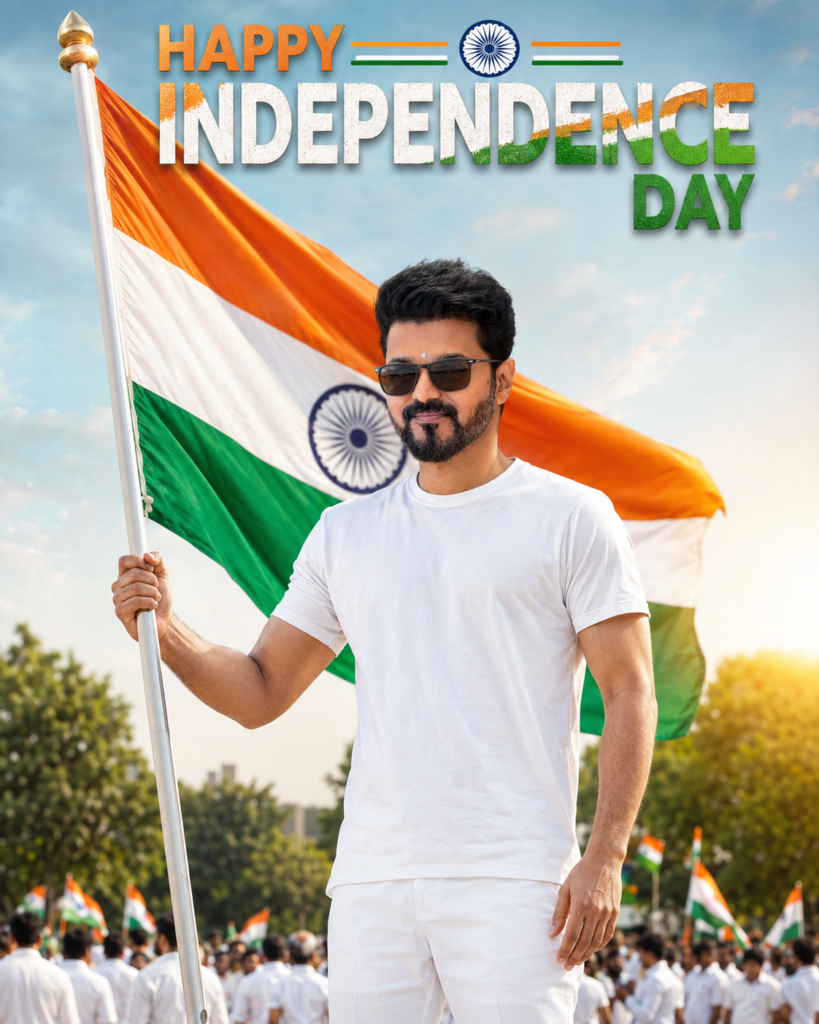
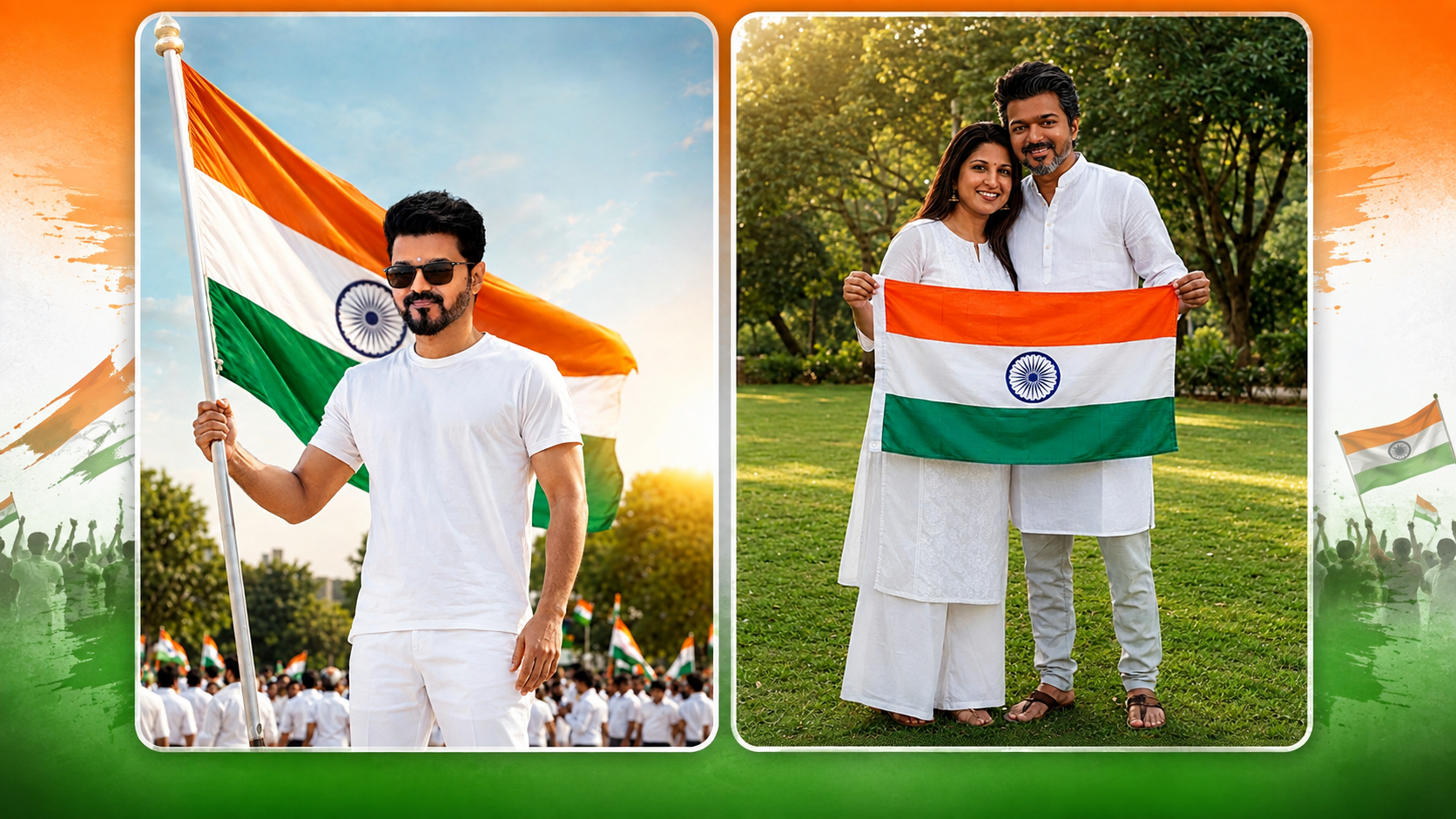
Use the uploaded image as the face identity reference and preserve the exact facial identity, facial features, face shape, skin tone, hairstyle, beard, and natural appearance. Do not alter, replace, or beautify the face. Recreate a realistic Indian Independence Day portrait of the same person standing confidently outdoors, wearing a clean white T-shirt and white pants with sunglasses, while holding a tall Indian flagpole in his left hand. A large Indian national flag should wave naturally behind him, clearly showing accurate saffron, white, green colors and the Ashoka Chakra. Use a bright outdoor setting with a soft blue sky, subtle greenery, a distant blurred Independence Day crowd, and warm golden sunlight creating a cinematic patriotic atmosphere.
No confetti. Add elegant “HAPPY INDEPENDENCE DAY” typography in the upper portion of the image. The words should be clearly readable and designed using the Indian tricolor—saffron, white, and green—with an Ashoka Chakra element, inspired by the colors and visual style of the Indian national flag. Keep the typography stylish, clean, premium, and naturally integrated into the poster without covering the face or flag. Style: Ultra-realistic, cinematic, professional photography, natural skin texture, realistic lighting, sharp subject, subtle background blur. Composition: Vertical Independence Day poster, full/three-quarter body, subject prominently centered, flag clearly visible, text placed in the upper area. Aspect Ratio: 4:5.
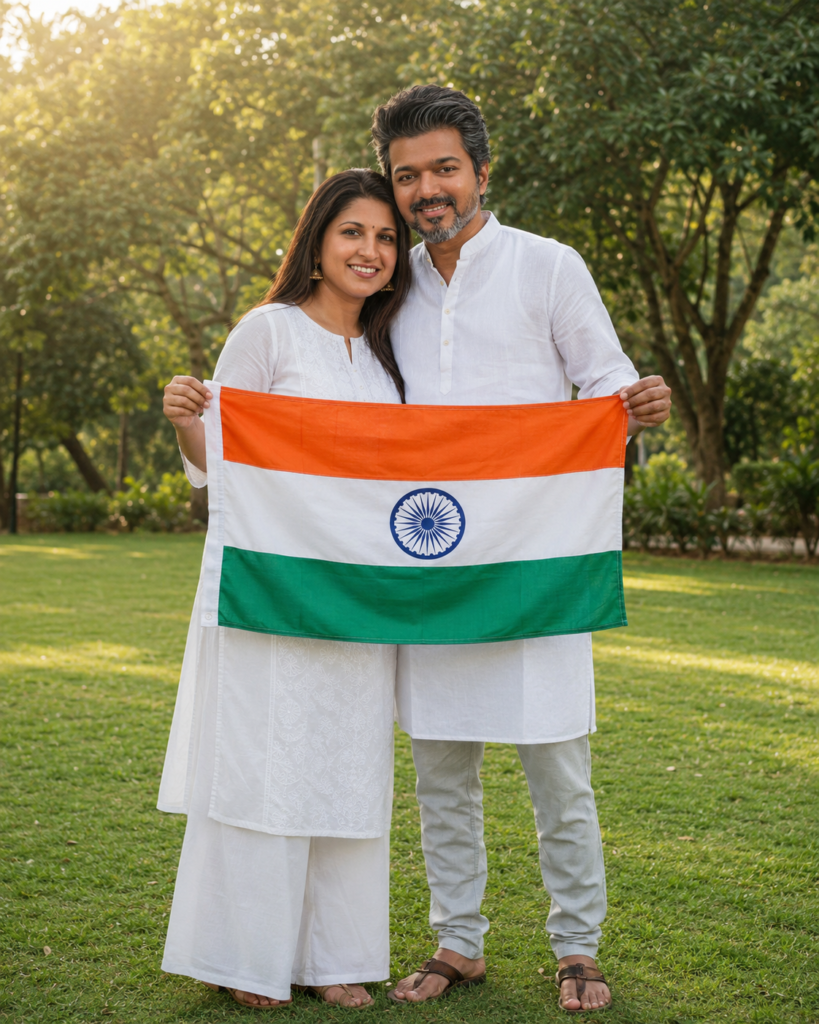
Use the uploaded photo(s) as the identity reference and preserve the exact facial identity of both people, including their facial features, face shape, skin tone, hairstyle, and natural appearance. Do not change or replace their faces. Recreate a photorealistic outdoor portrait of the same young Indian couple standing closely together on a lush green lawn. The woman stands on the left, wearing a simple elegant white kurta with matching white palazzo pants, while the man stands beside her wearing a plain white kurta with light grey pants and brown sandals. Both are smiling warmly at the camera with a natural, affectionate pose.
Their heads are gently leaning toward each other. They are holding the Indian national flag horizontally between them, each holding one side at waist level. The flag should be clearly visible with accurate saffron, white, and green colors and the Ashoka Chakra centered. Set the scene in a peaceful green park with soft trees and foliage in the background. Use warm golden-hour daylight, soft natural shadows, shallow depth of field, realistic skin texture, and professional DSLR photography. Composition: Full-body portrait, both subjects centered, natural proportions and relaxed posture, flag clearly visible. Style: Ultra-realistic, cinematic, natural colors, highly detailed, authentic expressions. Aspect Ratio: 4:5.
Final Thoughts
With a white attire and the Indian flag, you can easily create a patriotic look for your Independence Day photo editing. With AI tools, you can combine your original photo with a realistic outdoor setting, waving Indian flag, cinematic lighting, and stylish Independence Day typography. It is important to maintain a clean, realistic, and an Indian national flag respectful design.