

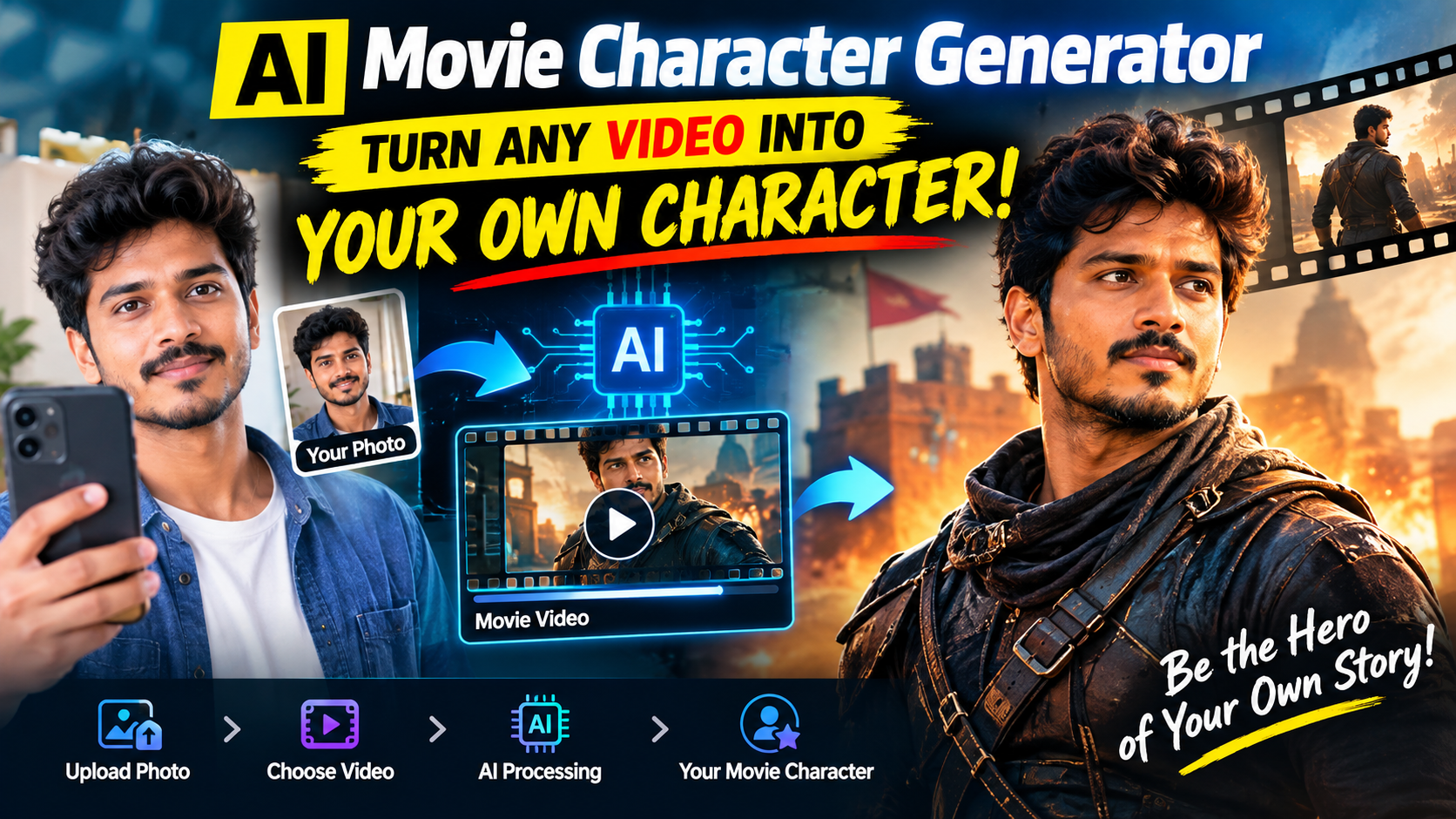
Artificial intelligence has changed the way people create and edit digital content. One of the most exciting developments is the ability to transform an ordinary movie or video clip into a personalized scene featuring your own appearance. With an AI Movie Character Generator, users can upload a photo or video, select a movie scene, and use AI-powered technology to create a customized version of the scene. Instead of simply watching a favorite movie moment, you can experiment with creating a version where you appear as the character. This technology combines AI video editing, facial transformation, character replacement, and motion tracking to produce creative results without requiring advanced video-editing skills.
Thank you for reading this post, don't forget to subscribe!What Is an AI Movie Character Generator?
An AI Movie Character Generator is an online or software-based tool that uses artificial intelligence to modify video content and create a new character appearance. Depending on the platform, the technology may use face replacement, facial animation, character transfer, motion tracking, or generative video techniques. The main idea is to take an existing video and transform the appearance of a person within that video using a selected face, image, or AI-generated character.
How Does AI Character Transformation Work?
The process usually involves several AI technologies working together. First, the system analyzes the original video and identifies the person who needs to be transformed. It can detect important facial features such as the eyes, nose, mouth, and overall facial structure. The AI then analyzes the reference image supplied by the user.
Some tools also use generative AI to create missing visual information. This can be particularly useful when the character turns sideways, moves quickly, or becomes partially hidden. However, AI-generated results can still contain mistakes, especially when the source footage is low quality or contains complicated movements.
What You Need Before Creating an AI Movie Character Video
Creating an AI character video generally requires only a few basic things. The first is a suitable source video. A short clip with clear lighting and a visible character is usually easier for AI systems to process. The second important element is a good-quality reference photo. A front-facing image with a clear view of the face generally produces better results than a blurry or heavily edited photograph.
Step-by-Step Guide to Turning a Movie Video Into Your Character
The exact process varies between AI platforms, but most tools follow a similar workflow. Start by selecting an AI video or character-generation website that supports the type of transformation you want to create. Create an account if required and open its video transformation or character replacement feature.
Next, upload the video you want to transform. If the website supports direct video uploads, select a short clip with a clearly visible character. Then upload your reference photograph. Choose a high-quality image where your face is clearly visible and not covered by sunglasses, masks, or other objects.
Tips for Getting Better AI Video Results
The quality of your input files can make a major difference. Use a sharp reference photo with good lighting and a clearly visible face. Avoid images with extreme filters because they may make it harder for the AI system to identify your facial features accurately.
Choose videos where the character’s face remains reasonably visible. Excessive motion blur, rapid camera movements, strong shadows, and frequent cuts can make character replacement more difficult. Short clips are also easier to process and can help you test the tool before creating a longer project.
Creative Ways to Use AI Movie Character Generators
AI character transformation can be used for many creative projects. Social media creators can make entertaining short videos featuring themselves in fictional scenes. You can also create personalized birthday videos, parody clips, promotional content, short-form videos, or visual experiments.
Filmmakers and video editors may use AI-assisted tools for concept development and previsualization. For example, a creator could test how a scene might look with a different character before investing time in a complete production. Artists can also combine AI-generated characters with original backgrounds and visual effects to develop new concepts.
Is an AI Movie Character Generator Free?
Some AI video tools provide free trials or limited credits, while others require a subscription or charge based on video generation time. Free versions may include restrictions such as watermarks, lower resolution, shorter videos, or limited daily generations.
Before uploading personal photographs or private videos, users should also check the platform’s privacy policy and terms of service. It is important to understand how uploaded files are stored, processed, and potentially deleted.
Important Safety and Copyright Considerations
AI video technology is powerful, but it should be used responsibly. Do not use someone else’s face without appropriate permission, especially when the resulting video could mislead viewers or harm someone’s reputation. Avoid creating deceptive videos that falsely suggest a person said or did something they never did.
VIDEO PROMPT
Conclusion
An AI Movie Character Generator makes it possible to experiment with personalized video creation without needing advanced professional editing skills. By combining a suitable video with a clear reference image, AI can analyze faces, track movement, and generate a customized character version of a scene. The technology continues to improve, offering creators new ways to produce social media content, creative experiments, and personalized videos.