Forgetting your Android pattern lock can be stressful, but don’t worry—there are safe and working methods to unlock your phone. Below is a complete step-by-step guide.
Thank you for reading this post, don't forget to subscribe!How to Unlock Android Pattern Lock Screen If Forgotten
Picture this: your phone’s screen lights up with a 3×3 grid of nine dots. You draw a line connecting at least four of them in your unique shape, and boom—your device unlocks. I love how Android pattern lock feels like child’s play, yet it guards your apps, photos, and messages from prying eyes. You set it up in seconds via Settings > Security > Screen Lock, picking Pattern and dragging your finger across the dots. Confirm it once, and you’re good. No more fumbling with numbers; it’s visual and speedy.
But here’s the cool part—it’s not just basic security. It adds a personal touch, like your own doodle password. Millions use it daily because it’s quicker than typing a PIN, especially one-handed on the go. Think of it as a minimalist fortress for your digital life. Sure, biometrics like fingerprints steal the show now, but Android pattern lock stays popular for its no-fuss vibe.
How Does Android Pattern Lock Work?
Connect four or more dots without lifting your finger or reusing one—rules keep it fair. Your phone stores it as a gesture file, hashing it securely. Each swipe checks against that hash; match it, and you’re in. It’s like tracing a constellation only you know. Android pattern lock shines in its speed—one fluid motion versus tapping digits. Under the hood, it uses simple math: over 140,000 combos for nine dots, but shorter ones limit options. I dig how it vibrates on success, giving tactile feedback like a secret handshake.
Security Risks with Android Pattern Lock
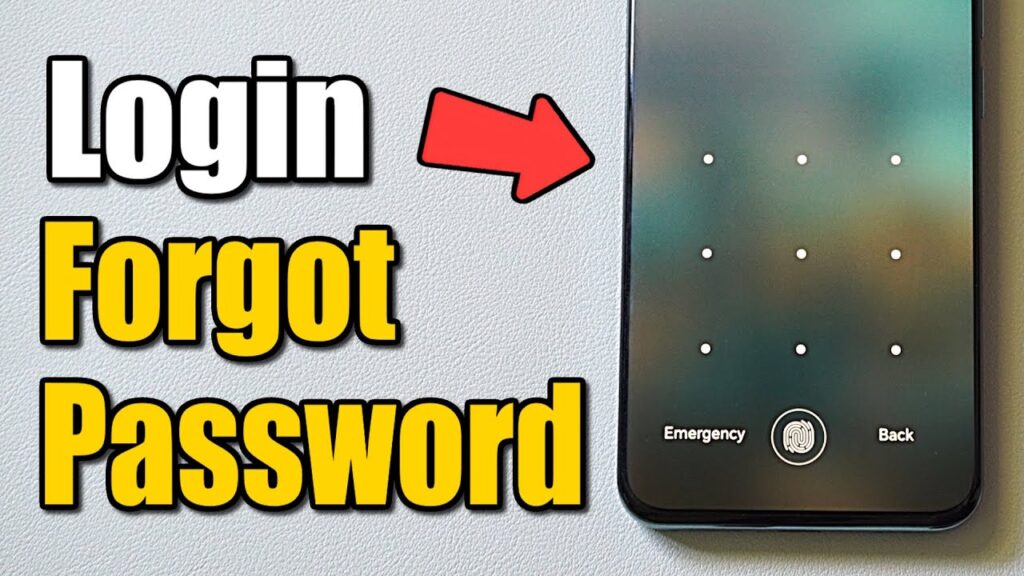
Android pattern lock is simple and convenient but it comes with serious security risks if not used properly. Here’s what you need to know:
🔓 1. Smudge Attack (Finger Marks)
When you draw a pattern, your fingers leave marks on the screen.👉 Anyone can look at the screen and guess your pattern easily.
👀 2. Shoulder Surfing
If someone watches you unlock your phone in public, they can memorize your pattern.
🔁 3. Limited Pattern Combinations
Compared to PINs and passwords, pattern locks have fewer possible combinations, making them easier to guess.
🔐 4. No Strong Encryption Alone
Pattern lock alone does not provide full protection unless combined with:
- Fingerprint
- Face unlock
- Strong password backup
Important Tips
- Always remember your Google account details
- Backup data regularly
- Avoid using unknown third-party unlock tools
Cool Android Pattern Lock Apps
Jazz up with AppLock by DoMobile—lock apps individually, themes galore. Pattern Lock Screen offers wallpapers, forget passwords. Vibes Pattern dazzles customs, low battery sip. Secure with selfies on fails. Android pattern lock apps add flair: fake icons, time locks. Lightweight, Play Store stars. I use for gallery—peace of mind. Pros: intuitive, ad-light premiums. Cons: permissions watch. Try free; upgrade fun. Like app costumes for your lock. Endless themes match moods. Integrate biometrics too. Revolutionize your grid!
Final Thoughts
Forgetting your pattern lock is common, but with tools like Google Find My Device and factory reset options, you can easily regain access. Always keep your data backed up to stay safe.