AI-powered photo editing is gaining popularity for creating dreamy, romantic photos. Can transform a picture into a romantic scene from a film. Advanced editing skills are not required. Using the right AI prompt, you can produce a gentle, heartfelt, and enchanting photo.
Thank you for reading this post, don't forget to subscribe!What Is AI Romantic Photo Editing?
AI romantic photo editing uses artificial intelligence to change the mood and style of a photo. You can add flowers, glowing lights, dreamy backgrounds, and romantic effects. AI can also create fantasy-style characters and cinematic lighting.
The main advantage is simplicity. You only need a good reference photo and a clear prompt. The AI tool can create many details automatically.
Create a Dreamy Couple Portrait
Start by selecting a clear portrait photo. A high-quality image gives better results. Make sure the face is visible and the lighting is good.
Upload the image to an AI photo editing or image generation tool. Then enter a detailed prompt. Describe the clothes, pose, background, lighting, flowers, and overall mood.
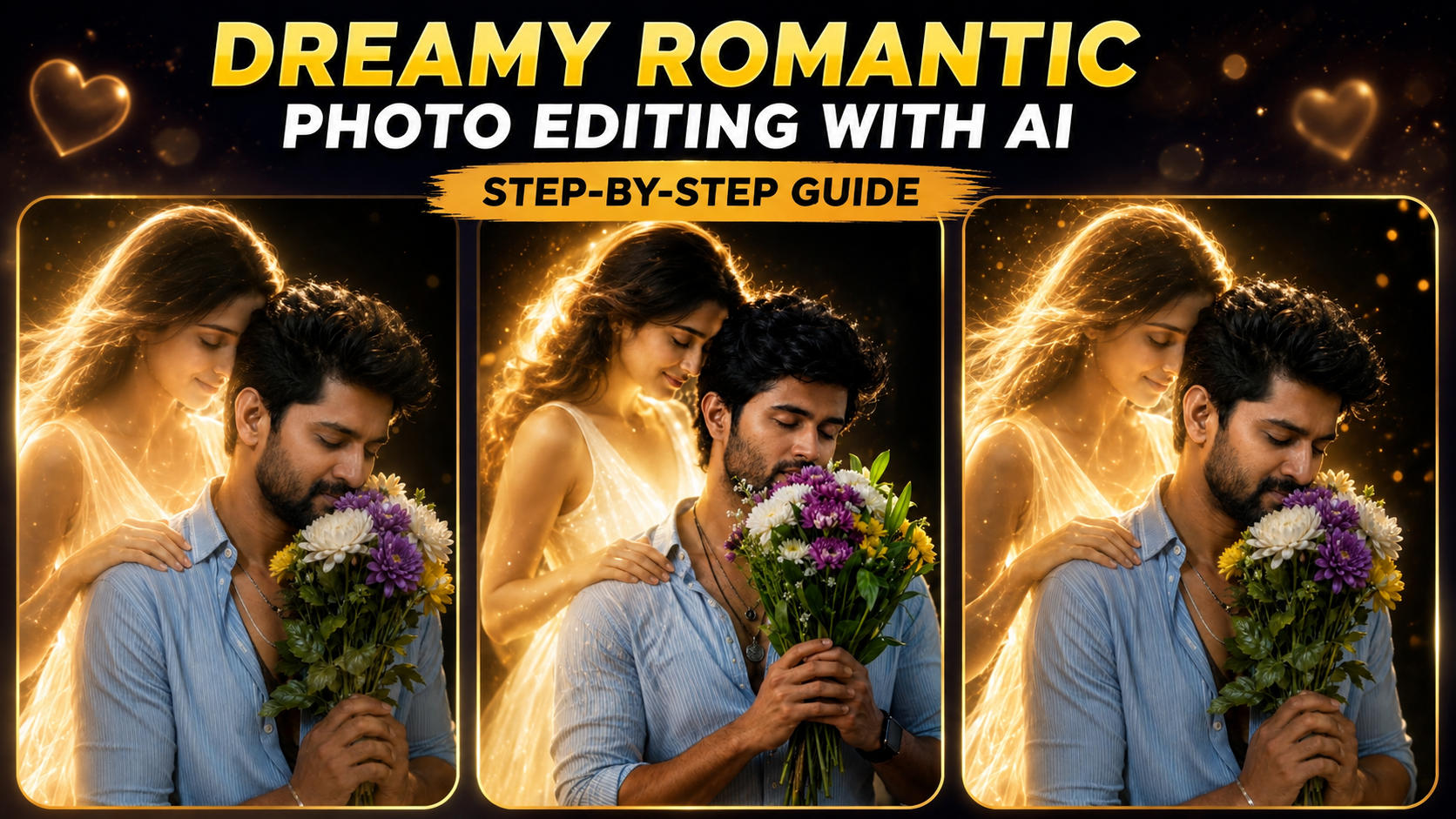
For example, you can create a scene where a man holds a beautiful flower bouquet. A glowing woman stands behind him. She gently places her hand on his shoulder. Her soft smile creates an emotional romantic feeling.
Add Cinematic Lighting
Lighting is very important for a dreamy photo. Golden light can make the image look warm and emotional. Soft rim lighting can separate the subjects from the background.
You can also add glowing particles and small light effects. These details create a magical atmosphere. A dark background with golden highlights can make the subjects stand out.
Choose the Right Background
The background can completely change the mood of the image. A dark studio background works well for a cinematic look. You can also use a sunset, garden, beach, or dreamy night scene.
For fantasy-style images, try glowing particles, soft fog, and blurred lights. Keep the background simple so the main subjects remain the focus.
Use High-Quality AI Prompts
A detailed prompt usually gives better results. Mention the camera style, lighting, clothing, facial expression, composition, and image quality.
Words such as “photorealistic,” “cinematic,” “shallow depth of field,” “85mm lens,” and “soft volumetric lighting” can help create a professional appearance.
You can also mention “natural skin texture” to avoid an overly artificial look. If you do not want unwanted elements, add instructions such as “no text” and “no watermark.”
Try Different Romantic Styles
AI allows you to experiment with many creative ideas. You can create a simple couple portrait or a fantasy love story scene.
You can also try a glowing angelic character, a flower-filled garden, a rainy romantic scene, or a beautiful sunset portrait. Each concept can produce a different visual style.
Final Touches
After generating the image, check the face, hands, clothing, and background. Sometimes AI may create small visual mistakes. If your tool supports editing, regenerate the image or adjust the prompt.
You can also improve brightness, contrast, sharpness, and cropping after generation. For Instagram and other social platforms, a 9:16 format is ideal for vertical posts and reels.
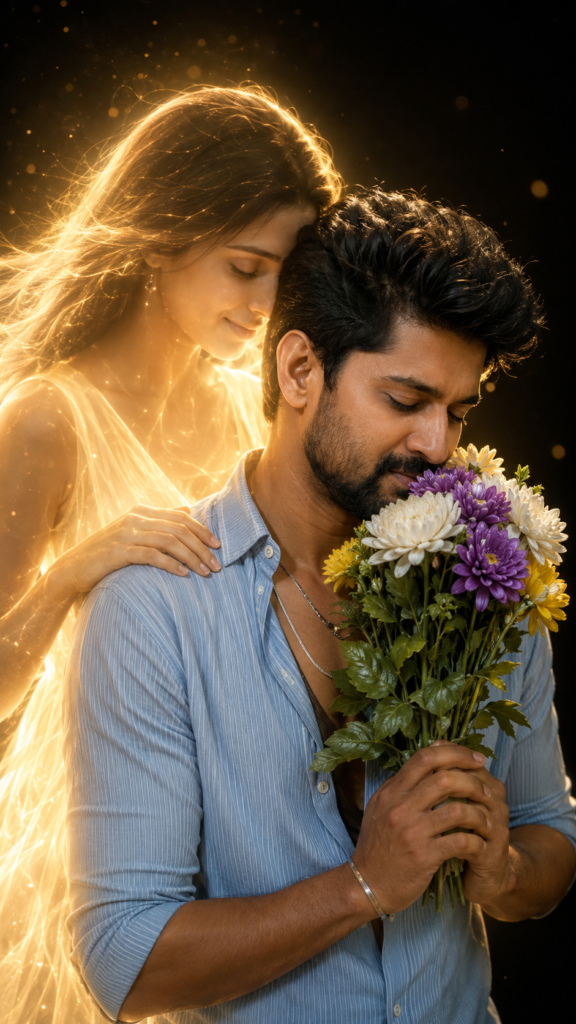
Ultra-realistic cinematic portrait of a young South Asian man on the right, eyes gently closed, peacefully smelling a bouquet of purple and white chrysanthemums, yellow flowers, and green leaves held with both hands near his face. He has messy wavy black hair, a well-groomed beard, thick eyebrows, natural skin texture, a light blue strifed shirtt with ene putters open, layered siiver cortalists, and a tlaght. Behind him stands an ethereal woman made of warm golden light, slightly taller, gently embracing him with her right hand on his shoulder while resting her forehead against his temple, eyes closed and smiling softly. She wears a glowing white sleeveless dress with flowing hair. Dark black studio background, golden particles, cinematic haze, volumetric rim lighting, HDR, shallow depth of field, 85mm, f/1.8, photorealistic 8K, masterpiece, chest-up medium close-up, no text, no watermark.9:16
More Prompts
Conclusion
With AI, creating gorgeous, romantic-looking photos is a breeze. You will be able to create the impressive picture with a clear photo, a detailed prompt, cinematic lighting and the creative background without having to master the computer in the field of editing.
Try out various prompts and romantic ideas. Changes in lighting, flowers, poses and backgrounds can make a world of difference. AI simplifies the process of creating a magical romantic tale from a photo.