Introduction
In today’s digital world, mobile internet has become an essential part of daily life. People use mobile data for browsing, watching videos, social media, online learning, and communication. However, many users have limited data plans, which means their mobile data can run out quickly if not used wisely.
Learning how to save mobile data is very important, especially for people who rely on mobile internet every day. By following simple mobile data saving tips, you can reduce unnecessary data usage and make your internet plan last longer.
Why Saving Mobile Data is Important
Mobile data plans can be expensive, and excessive data usage can quickly consume your monthly data limit. When data runs out, internet speed becomes slow or you may need to purchase additional data packs.
Saving mobile data helps you:
- Extend your monthly data plan
- Reduce internet costs
- Improve phone performance
- Avoid unexpected data charges
With proper mobile data management, you can enjoy internet services without worrying about running out of data.
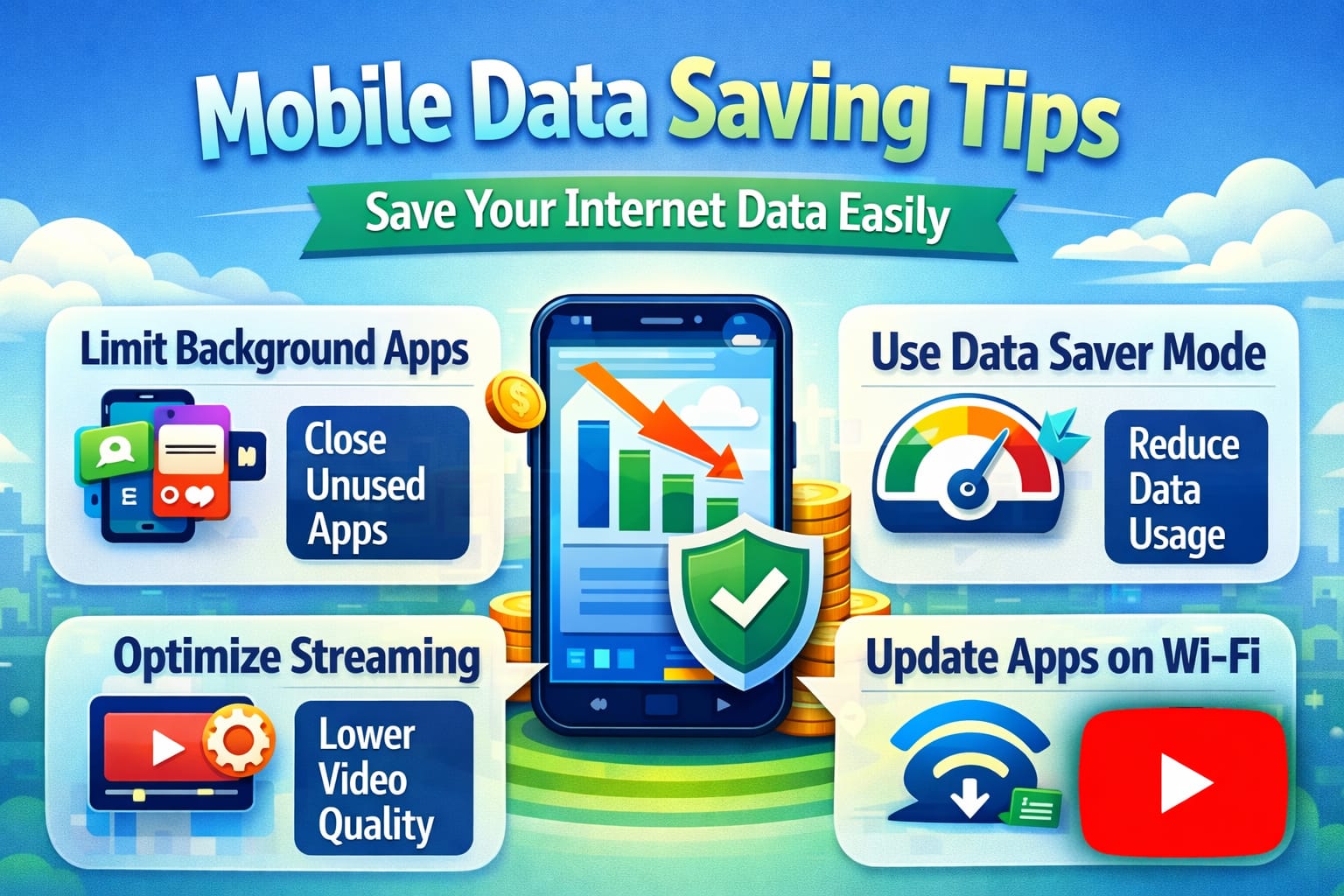
Enable Data Saver Mode
One of the easiest ways to reduce data usage is to enable the data saver mode on your smartphone.
Most Android devices include a built-in feature called Data Saver that limits background data usage for apps.
Steps to enable Data Saver:
- Open phone Settings
- Go to Network & Internet
- Tap Data Saver
- Turn on Data Saver
When data saver mode is enabled, apps will only use data when actively opened. This prevents background apps from consuming your mobile data.
Limit Background Data Usage
Many apps continue to use internet data even when you are not actively using them. These background processes can consume a significant amount of data.
- Open Settings
- Tap Apps
- Select the app
- Tap Mobile Data
- Disable Background Data
This simple step can save a lot of mobile data every day.
Use Lite Versions of Apps
Many popular apps offer lite versions designed specifically to consume less data and storage.
Lite apps are optimized for slow networks and low data usage.
Examples include:
- Facebook Lite
- Messenger Lite
- YouTube Lite
- Instagram Lite
Using lite apps instead of full versions can reduce data usage by a large percentage.
Reduce Video Streaming Quality
Video streaming is one of the biggest causes of high data consumption. Watching videos in HD or 4K quality uses a large amount of internet data.
To save mobile data, reduce the video quality to standard definition.
For example:
- Use 360p or 480p video quality
- Disable autoplay videos
- Avoid streaming on mobile data
Lower video quality still provides a good viewing experience while saving a lot of internet data.
Turn Off Auto Updates
App updates can consume a large amount of mobile data if they happen automatically.
To prevent this, disable automatic updates over mobile data.
Steps:
- Open the Play Store
- Go to Settings
- Tap Network Preferences
- Select Auto-update apps
- Choose Update over Wi-Fi only
This ensures apps update only when connected to Wi-Fi.
Download Large Files Using Wi-Fi
Downloading movies, software, or large files using mobile data can quickly consume your data limit.
- Download large files using Wi-Fi
- Schedule downloads during Wi-Fi connection
- Avoid downloading large content on mobile data
- This helps protect your data plan.
- Best Practices for Mobile Data Saving
To maximize mobile data savings, follow these simple habits:
- To maximize mobile data savings, follow these simple habits:
- Use Wi-Fi whenever possible
- Disable unused apps
- Turn off hotspot when not needed
- Avoid streaming high-quality videos
- Use offline features in apps
By combining these techniques, you can significantly reduce your mobile data consumption.
Conclusion
Mobile data has become an essential resource for communication, entertainment, and productivity. However, without proper management, mobile data can be consumed very quickly.
By enabling data saver mode, limiting background data, using lite apps, reducing video quality, and monitoring usage, you can save a large amount of mobile internet data every month.
These mobile data saving tips are simple yet effective. Anyone can follow them to reduce internet usage and make their data plans last longer.