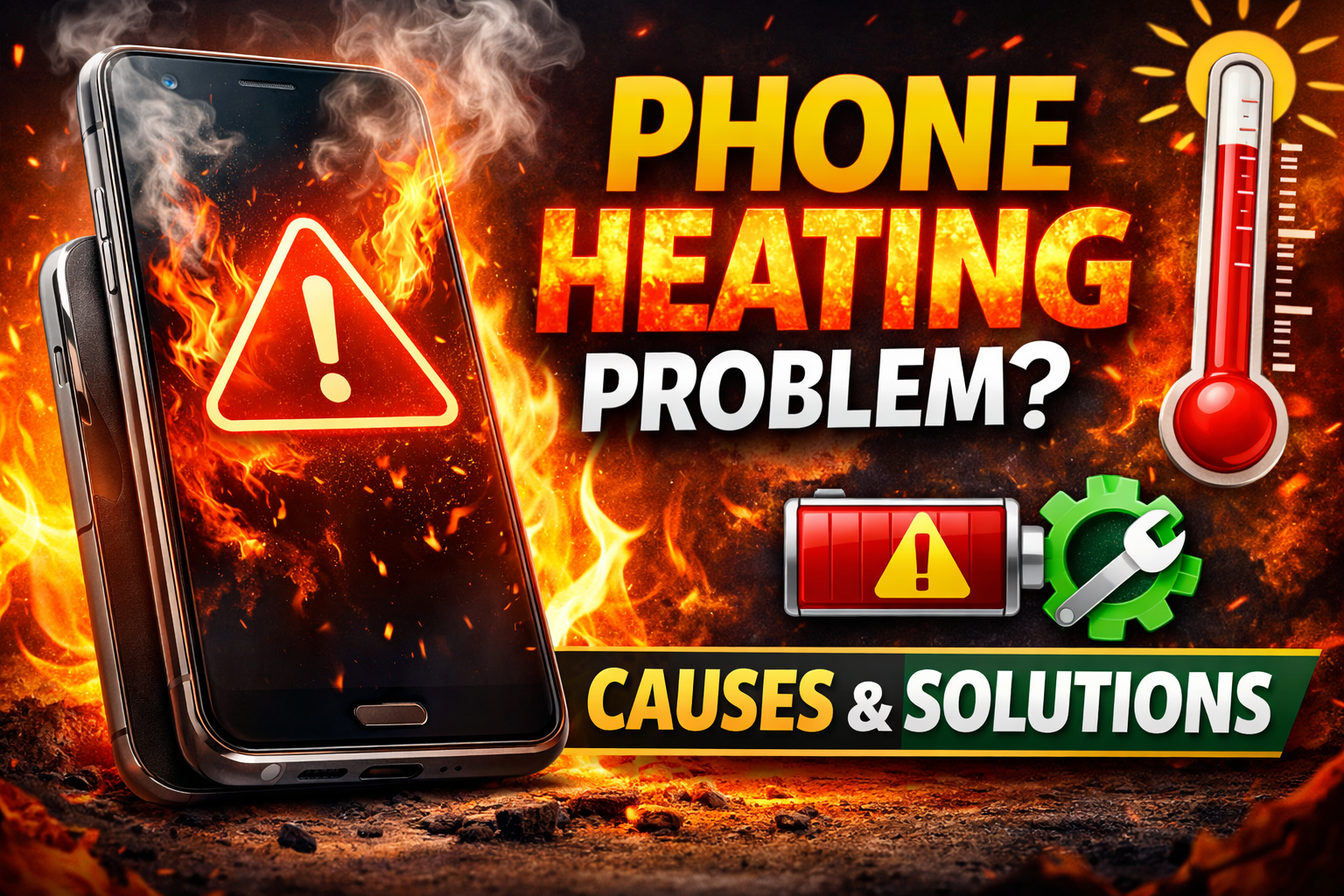
Smartphones have become an important part of our daily life. We use them for communication, entertainment, work, online classes, and social media. However, many users face a common problem: phone overheating. When a smartphone gets too hot, it can slow down performance, drain battery quickly, and even damage internal components.
1. What is Phone Overheating?
Phone overheating happens when the temperature of the device increases beyond normal levels due to heavy processing, environmental heat, or hardware problems.
Normally, smartphones work best between 0°C and 35°C. When the temperature goes higher than this, the phone may show warning messages, slow down, or automatically shut down to prevent damage.
2. Common Causes of Phone Heating
2.1 Heavy App Usage
Running many apps at the same time puts pressure on the phone’s CPU and RAM. This increases power consumption and generates heat.
Examples include:
- Playing high-graphics games
- Video editing
- Streaming videos
- Using multiple apps simultaneously
When the processor works harder, it produces more heat.
2.2 Using Phone While Charging
Charging already generates heat in the battery. If you play games or watch videos while charging, the phone produces double heat, which can cause overheating.
2.3 High Screen Brightness
Keeping the brightness at maximum consumes more battery and produces additional heat.
The phone’s display is one of the biggest power-consuming components.
2.4 Background Apps
Many apps run in the background without users knowing. These apps use CPU, internet, and battery power, which leads to overheating.
Closing unused apps can reduce heating problems.
2.5 Poor Network Signal
If your phone is in a weak network area, it works harder to maintain a signal. This increases power consumption and heat generation.
2.6 Direct Sunlight
Leaving your phone in the sun or inside a hot car can quickly raise its temperature.
Smartphones absorb heat easily, especially those with dark-colored surfaces.
2.7 Phone Case Blocking Heat
Some thick rubber or plastic phone cases trap heat and prevent proper ventilation.
Removing the case helps heat escape faster.
2.8 Old or Damaged Battery
An old battery can become inefficient and generate excess heat.
If your phone is several years old, replacing the battery might fix the heating issue.
3. Signs That Your Phone is Overheating
Some common signs include:
- Phone feels very hot to touch
- Battery drains quickly
- Slow performance or lag
- Apps crash frequently
- Phone automatically shuts down
- Warning message about temperature
If these signs appear regularly, it is important to fix the issue quickly.
4. Best Solutions for Phone Heating Problem
4.1 Close Background Apps
Always close apps you are not using.
Steps:
- Open recent apps
- Swipe away unused apps
- Restart the phone if necessary
This reduces CPU workload and keeps the device cool.
4.2 Lower Screen Brightness
Reduce brightness manually or enable auto-brightness.
Lower brightness reduces battery consumption and heat production.
4.3 Avoid Using Phone While Charging
Try not to use the phone during charging, especially for:
- Gaming
- Watching videos
- Video calls
Allow the phone to charge normally without heavy tasks.
4.4 Remove the Phone Case
If your phone heats up quickly, remove the case temporarily to allow heat to escape.
4.5 Turn on Airplane Mode
Turning on airplane mode disables network activities such as Wi-Fi, Bluetooth, and mobile data.
This reduces background processes and helps cool the phone faster.
4.6 Keep Phone in a Cool Environment
If your phone becomes very hot:
- Move it to a cooler place
- Keep it away from sunlight
- Place it near a fan or air-conditioned area
Avoid putting the phone in a freezer because sudden temperature changes can damage internal components.
4.7 Delete Unnecessary Apps and Files
Too many apps can slow down the phone and increase processor load.
You should:
- Uninstall unused apps
- Clear cache
- Delete junk files
This improves phone performance and reduces overheating.
4.8 Turn Off Unused Features
Disable features when not needed:
- GPS
- Bluetooth
- Mobile data
- Hotspot
- Background syncing
These features constantly consume power and generate heat.
4.9 Update Software
Software updates often include bug fixes and performance improvements.
If a buggy app or system issue is causing overheating, updating the system may solve the problem.
4.10 Use Battery Saver Mode
Battery saver mode reduces background activities and processor load.
This helps control both battery drain and heating issues.
5. Long-Term Tips to Prevent Phone Heating
Follow these habits to avoid overheating problems in the future:
1. Avoid long gaming sessions
Take breaks while playing games.
2. Do not charge overnight frequently
Overcharging can affect battery health.
3. Use original charger and cable
Fake chargers can damage the battery.
4. Restart your phone regularly
Restarting clears background process
6. When to Visit a Service Center
Sometimes overheating is caused by hardware problems.
You should visit a service center if:
- Phone heats up even without usage
- Battery drains extremely fast
- Phone shuts down frequently
- Device becomes too hot to touch
7. Conclusion
Phone overheating is a common problem but can usually be solved with simple steps. Heavy app usage, charging while using the phone, high brightness, and environmental heat are the most common reasons.
By closing background apps, lowering brightness, avoiding phone use while charging, removing the case, and keeping the device cool, you can easily prevent overheating and improve your smartphone’s performance.
Taking proper care of your phone will also extend battery life and ensure smooth performance for years.